

.png)
Good push notifications are timely, specific and built around one useful action. The examples below cover ecommerce, media, SaaS, mobile apps and transactional communication. Each one includes a trigger, destination and measurement idea, so you can adapt the campaign rather than copy a clever line without its context.
Jump to:
A push notification needs more than a short copy. Before writing, define five elements:
The strongest examples answer one question and lead to one logical destination. A back-in-stock alert should open the exact product and variant, not the store homepage. A project warning should lead to the affected project, not a generic dashboard.
Google's web push guidance describes useful notifications as timely, relevant and precise. Those three tests are more valuable than adding urgency or an emoji to every title.
Personalization also needs context. A product name based on recent behavior can help. A first name added to an irrelevant mass promotion does not make the message personal.
Useful personalization starts with a relevant audience definition. PushPushGo's subscriber segmentation guide explains how segments differ from one-to-one personalization.
Web and mobile push features vary across browsers and operating systems. Images and buttons can strengthen a message where supported, but the title and body should still make sense when those elements are missing. Preview every campaign on the platforms used by your audience. Review the differences between web and mobile push before adapting an app-only example to a browser campaign.
Title: Still comparing running shoes?
Body: Pick up where you left off. Your recently viewed styles are here.
Setup: Send after several category or product views without a cart event. Link to recently viewed items. Measure return sessions and cart additions.
Title: Your cart is saved
Body: Your three items are waiting whenever you're ready.
Setup: Trigger after cart abandonment and suppress immediately after purchase. Start without a discount. Test a helpful reminder against a product-benefit message.
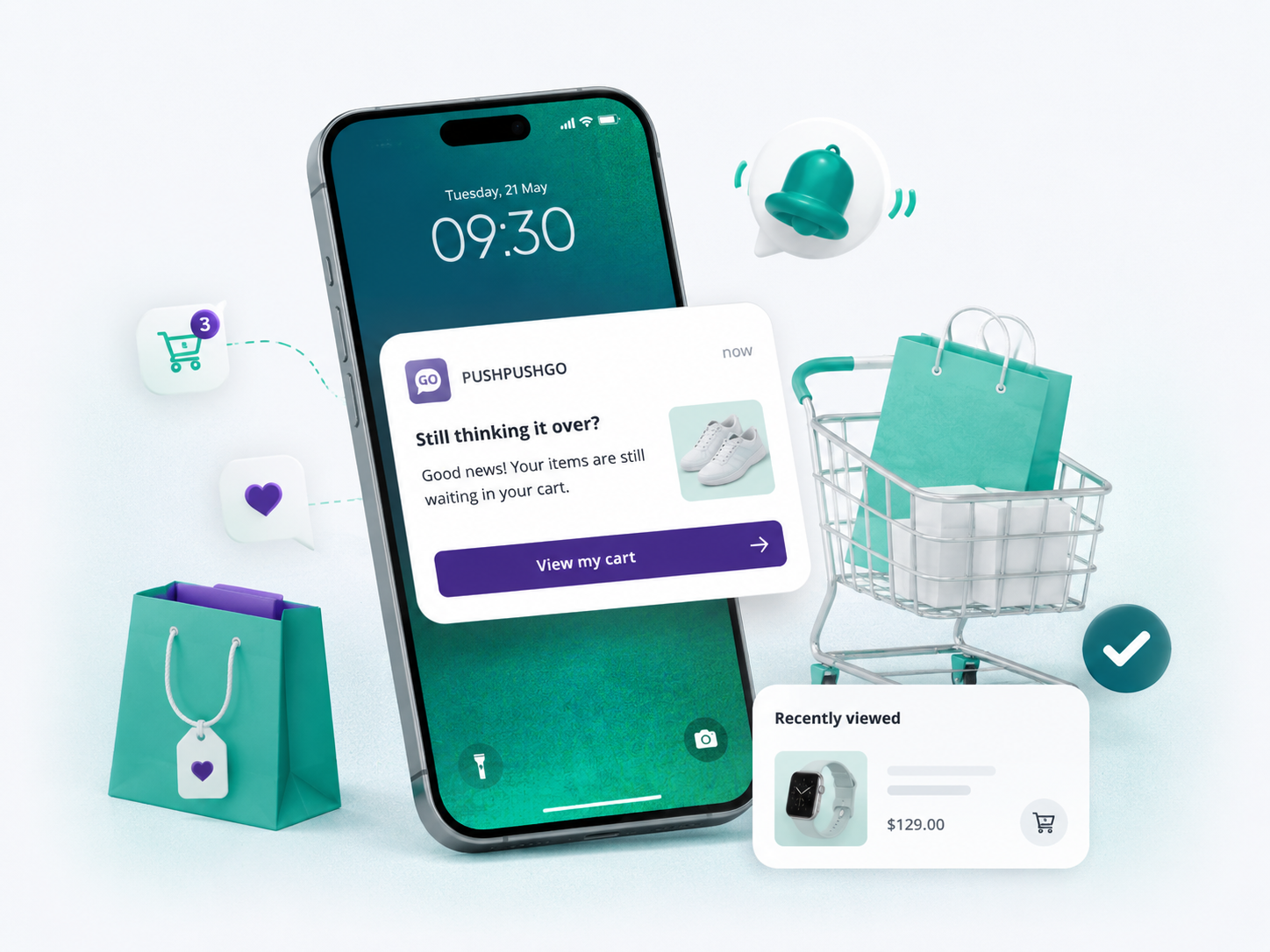
Title: It's back: Trail Jacket
Body: Your size is available again. Check current stock.
Setup: Target shoppers who viewed the item or requested an alert. Open the exact size or variant. Measure purchase conversion, not clicks alone.
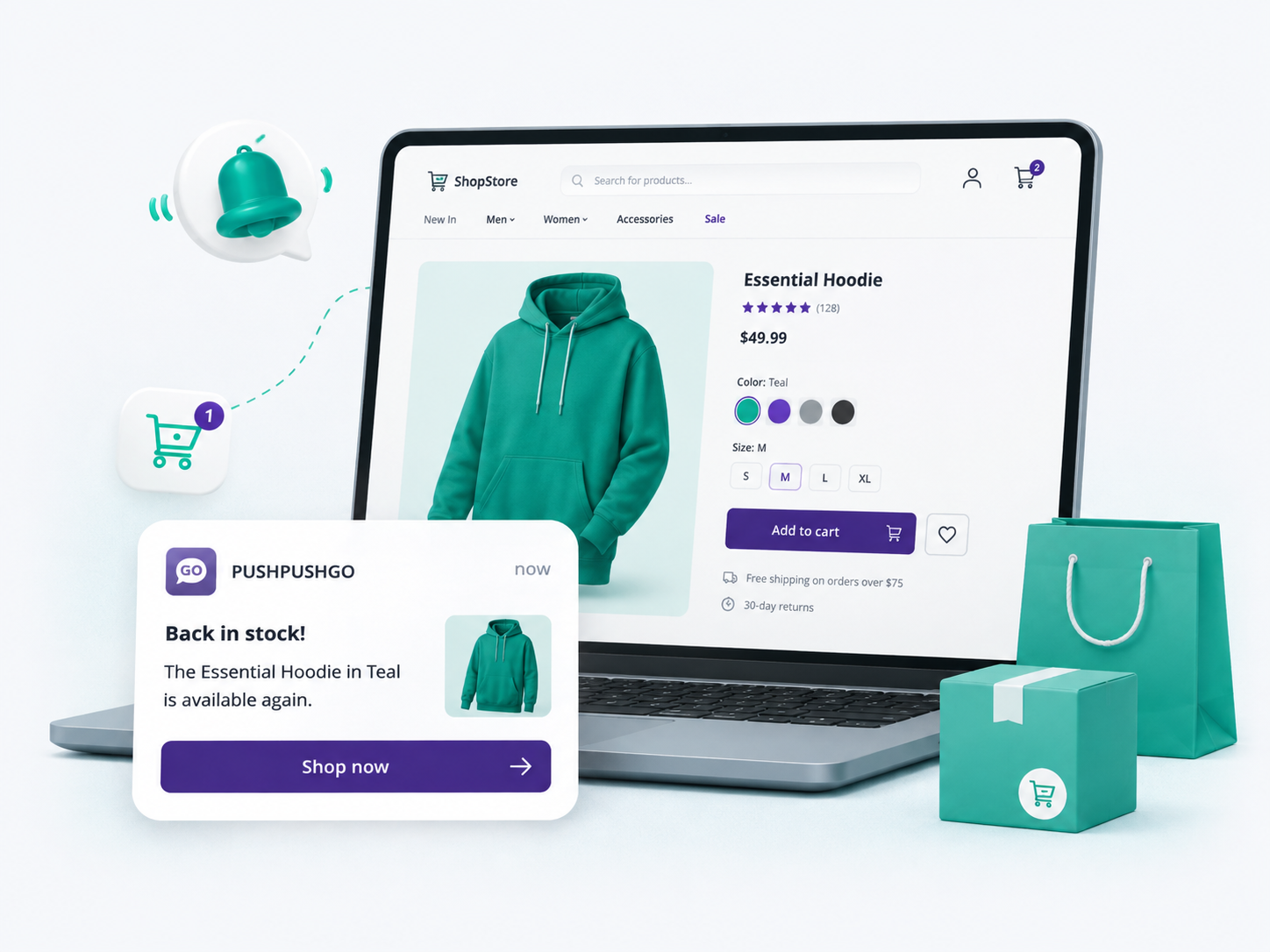
Title: A lower price on something you viewed
Body: The Linen Chair is now $189. See the updated offer.
Setup: Trigger after a real price change on a viewed or saved item. Keep every price consistent with the product page.
Title: Ends 9 PM: 20% off running shoes
Body: Your saved pair is included. View the offer.
Setup: Send to a relevant interest segment with a genuine deadline and timezone. Measure revenue per delivered notification and permission losses.
Title: New arrivals in outdoor gear
Body: Lightweight layers selected for your spring trips.
Setup: Use category affinity rather than the full subscriber base. Open the new collection with matching filters applied.
Title: Running low on your daily moisturizer?
Body: It's been six weeks since your last order. Reorder in a few taps.
Setup: Use the expected replenishment window and suppress customers who returned or canceled the product. Phrase the reminder as a possibility, not certainty.
Title: Pickup available near Centrum
Body: Order online and collect at our Floriańska store today.
Setup: Target a selected store or consented location segment with live inventory. Offer manual location selection when precise geolocation is unavailable.
Title: Get the best from your espresso machine
Body: Three setup tips before your first brew.
Setup: Send after confirmed delivery and link to the relevant product guide. Track guide use and subsequent support requests.
Title: How is the Trail Jacket working for you?
Body: Share a quick review to help other shoppers decide.
Setup: Wait long enough for real product use. Suppress returns and refunds. Never condition a reward on leaving a positive review.
Weak: Sale! Shop now!
Better: Ends 9 PM: 20% off running shoes. Your saved pair is included.
The second version gives a real scope, deadline and reason the promotion fits the recipient.
PushPushGo can use behavioral segments and automation scenarios for browsing, cart, price and stock events. Daily capping helps prevent several active flows from reaching one subscriber on the same day.
Title: Central bank cuts rates by 0.25 points
Body: The decision was announced minutes ago. Follow confirmed updates live.
Setup: Reserve alerts for editor-approved events. State the confirmed fact and update the page as the story develops.
Title: Update: Parliament approves the revised bill
Body: Here's what changed since our first alert.
Setup: Send only when a material new fact changes the story. Avoid repeating the same headline with minor wording changes.
Title: New in European ecommerce
Body: Five checkout changes retailers are testing this quarter.
Setup: Target readers who selected or repeatedly read the topic. Link directly to the story, not the section homepage.
Title: Live now: Germany vs France
Body: Follow the score, key moments and analysis as they happen.
Setup: Target followers of the team or competition. Set an expiration so a late notification does not promote a finished event.
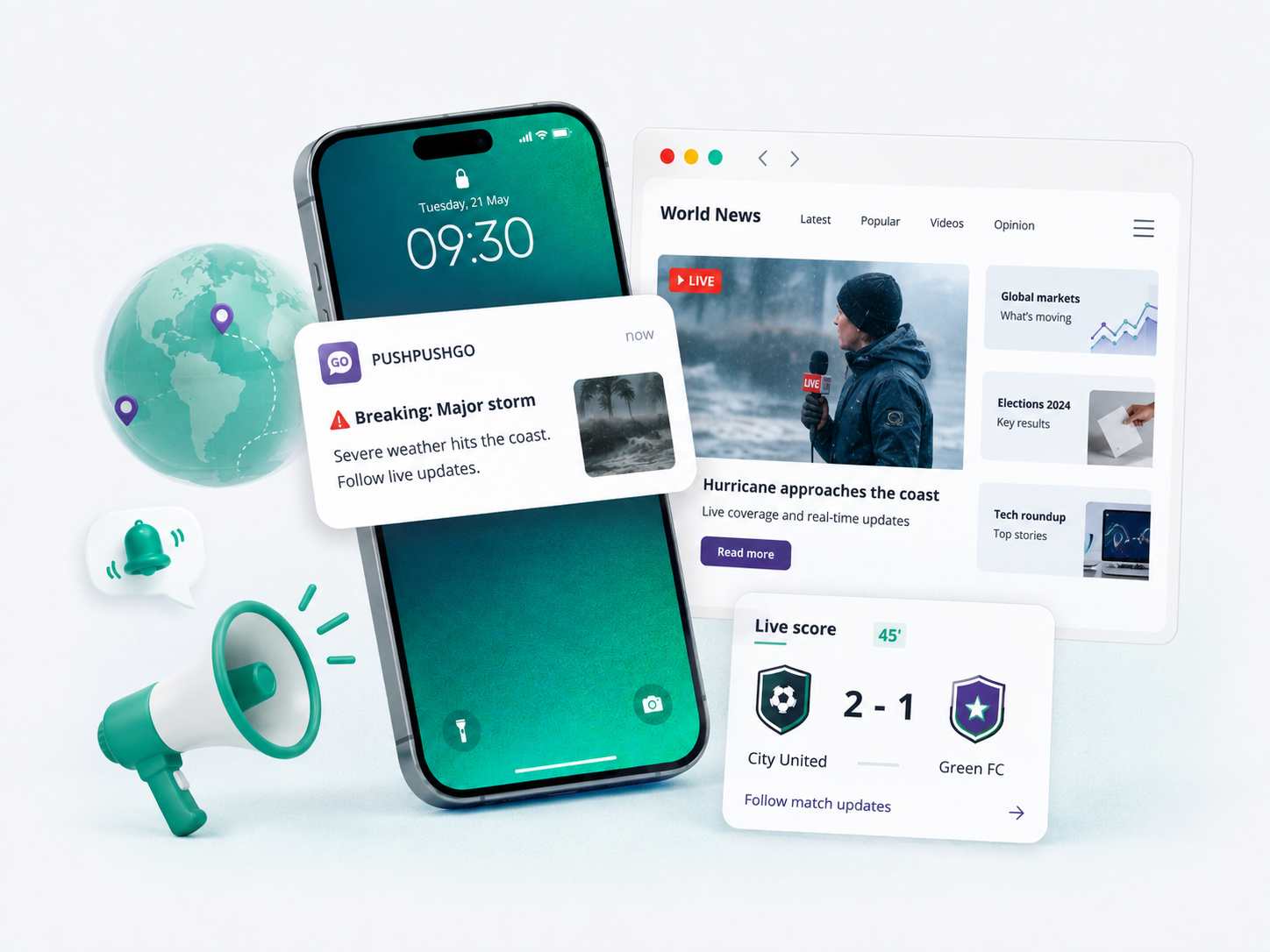
Title: Final: Germany 2–1 France
Body: See the deciding goal and full match report.
Setup: Send the verified result to the chosen sports segment. Link to the match report or highlights.
Title: Your five-minute morning briefing
Body: Five stories shaping Monday, selected by our editors.
Setup: Send only to briefing subscribers at a timezone-appropriate hour. Track repeat reading, not just one-day CTR.
Title: New episode: Can AI search replace product filters?
Body: Two ecommerce leaders compare what works. Listen in 24 minutes.
Setup: Target relevant topic or podcast subscribers. Open the episode directly in the preferred player or episode page.
Title: For subscribers: What the rate cut changes
Body: See the likely impact on mortgages, savings and business loans.
Setup: Target authenticated subscribers. Label access clearly rather than sending a paywalled promise to readers who cannot open it.
Title: Save 12 minutes for this one
Body: Your guide to the Digital Markets Act is ready when you are.
Setup: Use an explicit save action or consented reading signal. Send once, then stop after the article is completed.
Weak: You won't believe what happened!
Better: Update: Parliament approves the revised bill. Here's what changed.
Curiosity can help, but hiding the central fact damages reader trust.
Publishers can use topic segments, expiration settings and PushPushGo's Rocket Push workflow to send time-sensitive stories quickly. Frequency caps protect readers during busy news cycles.
Title: One step left to publish your dashboard
Body: Connect a data source to complete setup.
Setup: Trigger from the missing milestone rather than a generic day-three reminder. Deep-link to the connection screen and measure activation.
Title: Your first performance report is ready
Body: See what changed and choose your next action.
Setup: Send after the product generates a real result. Link directly to it and track the next activation milestone.
Title: Your weekly campaign report is ready
Body: LinkedIn generated the most qualified visits. Open the breakdown.
Setup: Add one accurate insight when data quality allows. Avoid exposing confidential details on shared lock screens.
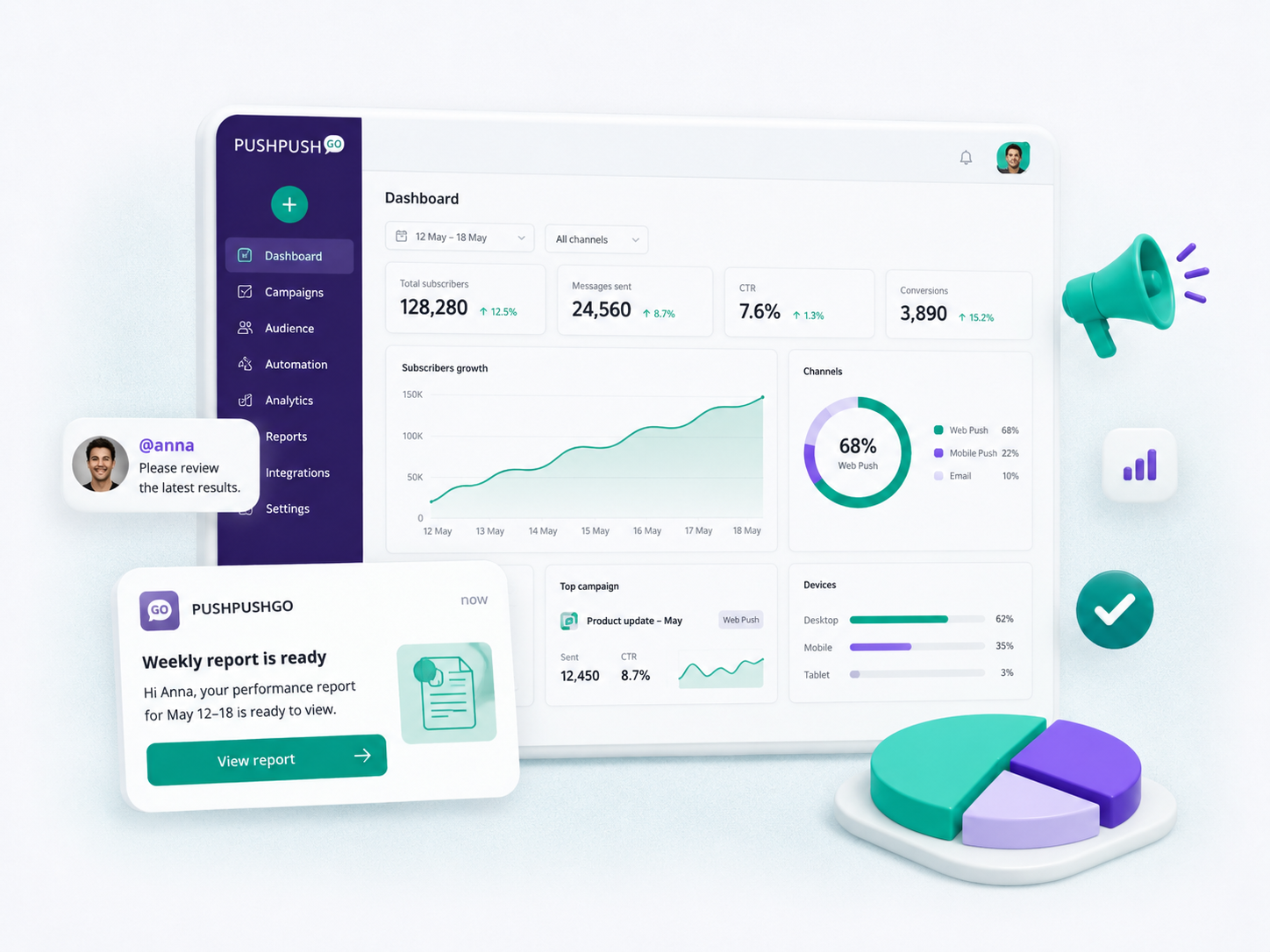
Title: Action needed: HubSpot disconnected
Body: Reconnect it to keep lead syncing active.
Setup: Trigger only after a confirmed failure. Open the reconnection flow and stop reminders once the integration works again.
Title: You've used 80% of your monthly exports
Body: Review usage before the cycle resets on August 31.
Setup: Send at a meaningful threshold. Link to usage details rather than directly to an upgrade checkout.
Title: New customer inquiry needs a reply
Body: Review the conversation and follow up with the caller.
Setup: Businesses using an AI receptionist can trigger an internal notification when a call or inquiry requires human follow-up. Link directly to the relevant conversation or contact record.
Title: The homepage draft is waiting for approval
Body: Review Maya's changes before Thursday.
Setup: Trigger from workflow state and a real deadline. Stop the notification after approval, rejection or reassignment.
Title: A faster way to clean duplicate contacts
Body: Review and merge duplicates inside your workspace.
Setup: Target users whose data or workflow makes the feature relevant. Open the feature, not a release-note archive.
Title: Starts in 15 minutes: Building safer API tests
Body: Join from your registration link.
Setup: Send to registered attendees in their timezone. Expire the notification after the session starts.
Title: Your Q3 dashboard is ready to finish
Body: Add the final data source to publish it.
Setup: Refer to unfinished value, not brand-centered guilt. Cap the sequence and stop it after the user returns or changes preferences.
Weak: We miss you! Come back.
Better: Your Q3 dashboard is ready to finish. Add the final data source.
Progress and a concrete next step give the recipient a reason to return.
Title: Maya replied in Project Atlas
Body: Open the conversation.
Setup: Deep-link to the thread and give users control over lock-screen previews.
Title: Client report is due at 3 PM
Body: Review the final charts before submitting.
Setup: Use the deadline created in the app. Open the task and stop after completion.
Title: Your 10-minute practice is ready
Body: Start now or move it to a better time.
Setup: Follow the schedule selected by the user and offer a clear reschedule option. Avoid guilt or streak-loss pressure.
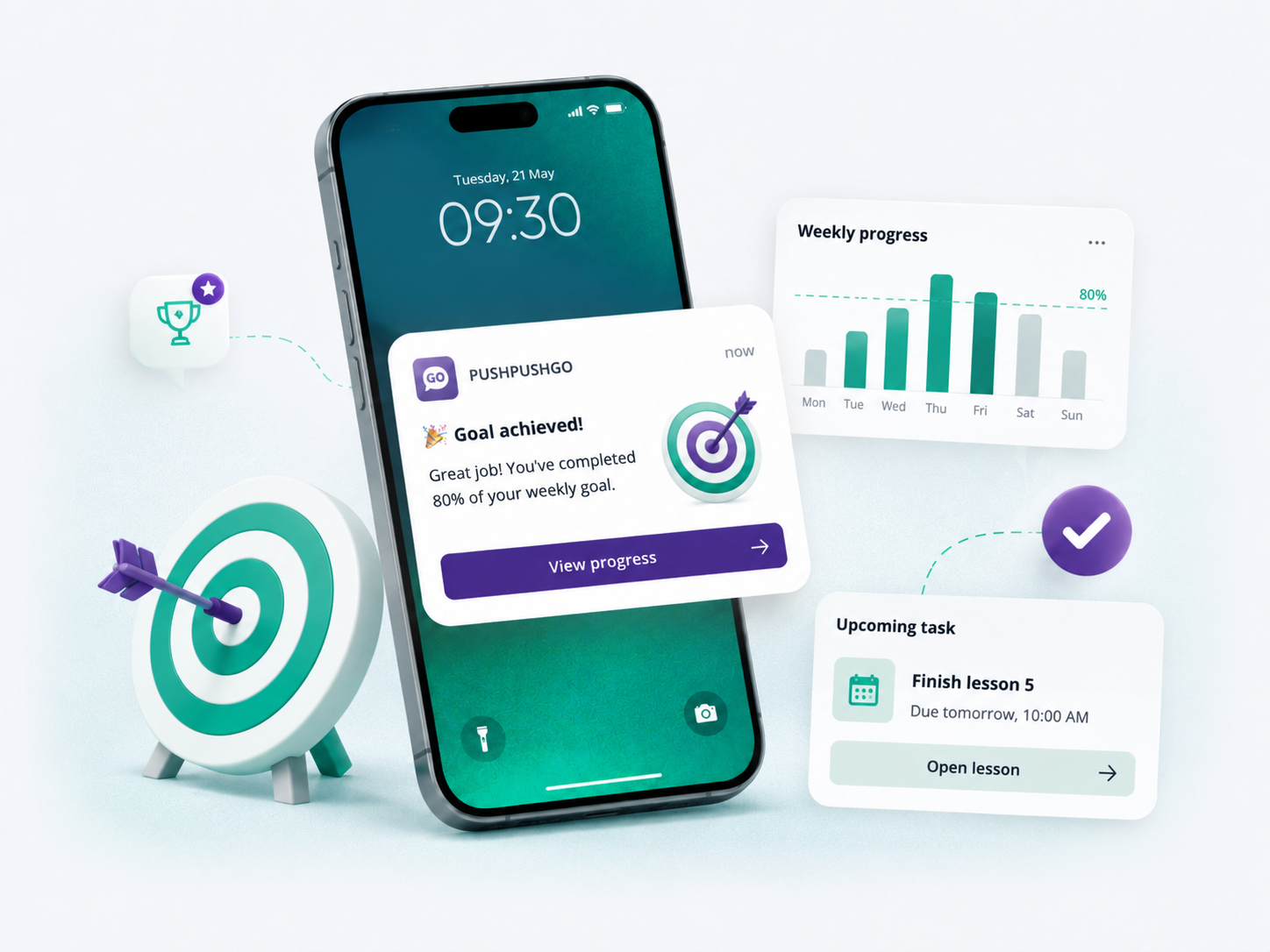
Title: Check-in is open for LO3911
Body: Choose your seat before 17:40.
Setup: Link directly to check-in and use a fallback channel when the message is operationally critical.
Title: Your order has arrived
Body: It was left at reception at 14:08.
Setup: Report only a verified state. Do not mix a promotional offer into a service-critical update.
Title: Dining reached the limit you set
Body: Review this month's transactions.
Setup: Use a user-defined threshold. Minimize sensitive information on the lock screen and open the relevant category.
Title: A new lesson from the creator you follow
Body: Learn how to light portraits in small rooms.
Setup: Base the recommendation on an explicit follow or reliable viewing history. Open the lesson directly.
Title: Your selected station closes at 22:00
Body: Use Central Station for later departures.
Setup: Use consented location or a selected station. Give users a manual alternative when location data is unavailable.
Title: Offline maps now include trail conditions
Body: Download your next route before leaving coverage.
Setup: Target former users interested in hiking features. Stop the sequence after return or opt-out.
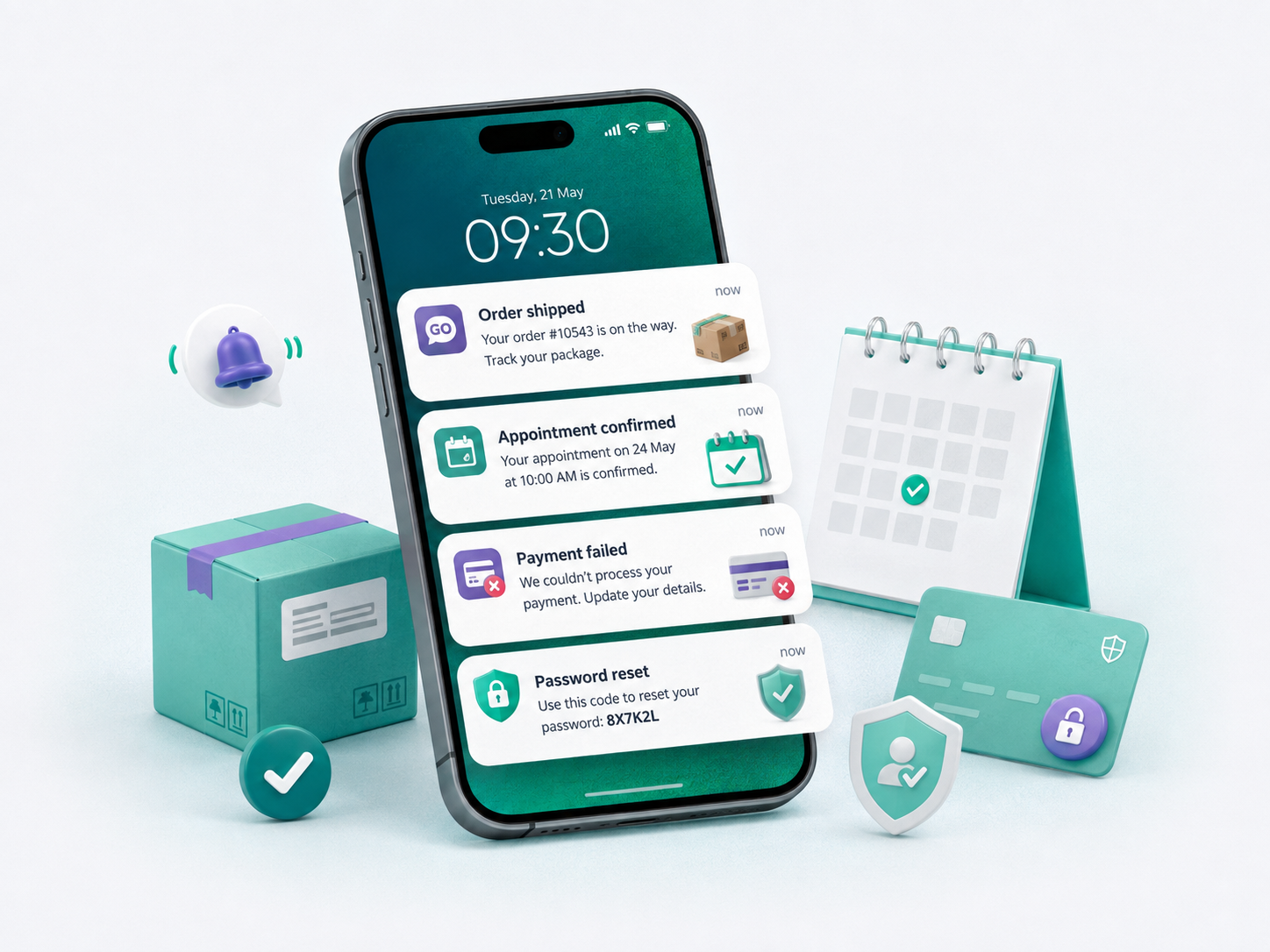
Title: We couldn't process your payment
Body: Update the card for invoice 1048.
Setup: Open the secure billing flow. Do not include full card or account details in the notification.
Title: Your order is on the way
Body: Track package 8392 for the latest delivery estimate.
Setup: Trigger after carrier confirmation and open live tracking.
Title: Your password was changed
Body: If this wasn't you, secure your account now.
Setup: Send immediately and open a trusted recovery flow. Consider another channel for high-risk events.
Title: Your appointment moved to 15:30
Body: Confirm the new time or choose another slot.
Setup: State the changed detail and provide direct confirmation or rescheduling actions.
Title: Data exports are working again
Body: Retry the export that failed earlier.
Setup: Target affected users rather than the full base. Open the interrupted task when possible.
Transactional messages prioritize accuracy, privacy and the next action. Marketing copy should not obscure a payment failure, security event or schedule change.
Use these formulas as starting points:
Before sending, check that the urgency is real, the destination matches the promise and the notification remains understandable without an image. Review how much personal information could appear on a locked device.
For a deeper editing process, use PushPushGo's guide to writing web push copy.
Test one meaningful variable at a time, such as the title, value proposition, image, CTA or send time. Changing all of them at once makes the result hard to interpret.
Choose the primary outcome before launch. CTR can reward curiosity even when the landing page fails to convert. Depending on the campaign, review:
Use equivalent audience groups and stop completed users from receiving redundant reminders. PushPushGo supports segmentation, automation and A/B testing for controlled campaign improvements. Its guide to push notification metrics covers the measurement process in more detail.
No universal character count works across every browser and operating system. Write for quick scanning, put the central information first and preview the message on target devices. The title and body should still work when the interface truncates part of the copy.
Web push reaches people who opted in through a supported browser and does not require a native app. Mobile push is sent through an installed application. Available layouts, actions, permissions and deep-link behavior vary across platforms.
Frequency depends on the value and urgency of the messages, subscriber preferences and engagement data. A publisher may send several selected alerts while a SaaS company sends only event-triggered updates. Use segmentation, suppression rules and frequency caps instead of one universal schedule.
Yes, on supported browsers and operating systems. Rendering varies, so the message cannot depend entirely on an image or button. Preview the campaign and provide a useful default click destination.
Transactional notifications report an account or service event such as a payment result, delivery update or security change. Their copy should prioritize accuracy, privacy and the next action rather than promotion.
Choose one idea tied to a real customer event or audience preference. Define the destination and success metric before polishing the copy. Then test it with a controlled segment and suppress people who have already completed the action.
Explore PushPushGo web push to build segmented, automated campaigns with frequency controls and performance tracking.


Mi tincidunt elit, id quisque ligula ac diam, amet. Vel etiam suspendisse morbi eleifend faucibus eget vestibulum felis. Dictum quis montes, sit sit. Tellus aliquam enim urna, etiam. Mauris posuere vulputate arcu amet, vitae nisi, tellus tincidunt. At feugiat sapien varius id.
Eget quis mi enim, leo lacinia pharetra, semper. Eget in volutpat mollis at volutpat lectus velit, sed auctor. Porttitor fames arcu quis fusce augue enim. Quis at habitant diam at. Suscipit tristique risus, at donec. In turpis vel et quam imperdiet. Ipsum molestie aliquet sodales id est ac volutpat.

Elit nisi in eleifend sed nisi. Pulvinar at orci, proin imperdiet commodo consectetur convallis risus. Sed condimentum enim dignissim adipiscing faucibus consequat, urna. Viverra purus et erat auctor aliquam. Risus, volutpat vulputate posuere purus sit congue convallis aliquet. Arcu id augue ut feugiat donec porttitor neque. Mauris, neque ultricies eu vestibulum, bibendum quam lorem id. Dolor lacus, eget nunc lectus in tellus, pharetra, porttitor.
"Ipsum sit mattis nulla quam nulla. Gravida id gravida ac enim mauris id. Non pellentesque congue eget consectetur turpis. Sapien, dictum molestie sem tempor. Diam elit, orci, tincidunt aenean tempus."
Tristique odio senectus nam posuere ornare leo metus, ultricies. Blandit duis ultricies vulputate morbi feugiat cras placerat elit. Aliquam tellus lorem sed ac. Montes, sed mattis pellentesque suscipit accumsan. Cursus viverra aenean magna risus elementum faucibus molestie pellentesque. Arcu ultricies sed mauris vestibulum.
Morbi sed imperdiet in ipsum, adipiscing elit dui lectus. Tellus id scelerisque est ultricies ultricies. Duis est sit sed leo nisl, blandit elit sagittis. Quisque tristique consequat quam sed. Nisl at scelerisque amet nulla purus habitasse.
Nunc sed faucibus bibendum feugiat sed interdum. Ipsum egestas condimentum mi massa. In tincidunt pharetra consectetur sed duis facilisis metus. Etiam egestas in nec sed et. Quis lobortis at sit dictum eget nibh tortor commodo cursus.
Odio felis sagittis, morbi feugiat tortor vitae feugiat fusce aliquet. Nam elementum urna nisi aliquet erat dolor enim. Ornare id morbi eget ipsum. Aliquam senectus neque ut id eget consectetur dictum. Donec posuere pharetra odio consequat scelerisque et, nunc tortor. Nulla adipiscing erat a erat. Condimentum lorem posuere gravida enim posuere cursus diam.