Master the in-app
experience with
real-time messaging

Guide, engage, and convert your users exactly when it matters most with in-app notifications.
Header image

Why in-app is essential

A great app experience isn't just about getting users to open the app - it’s about what happens next.

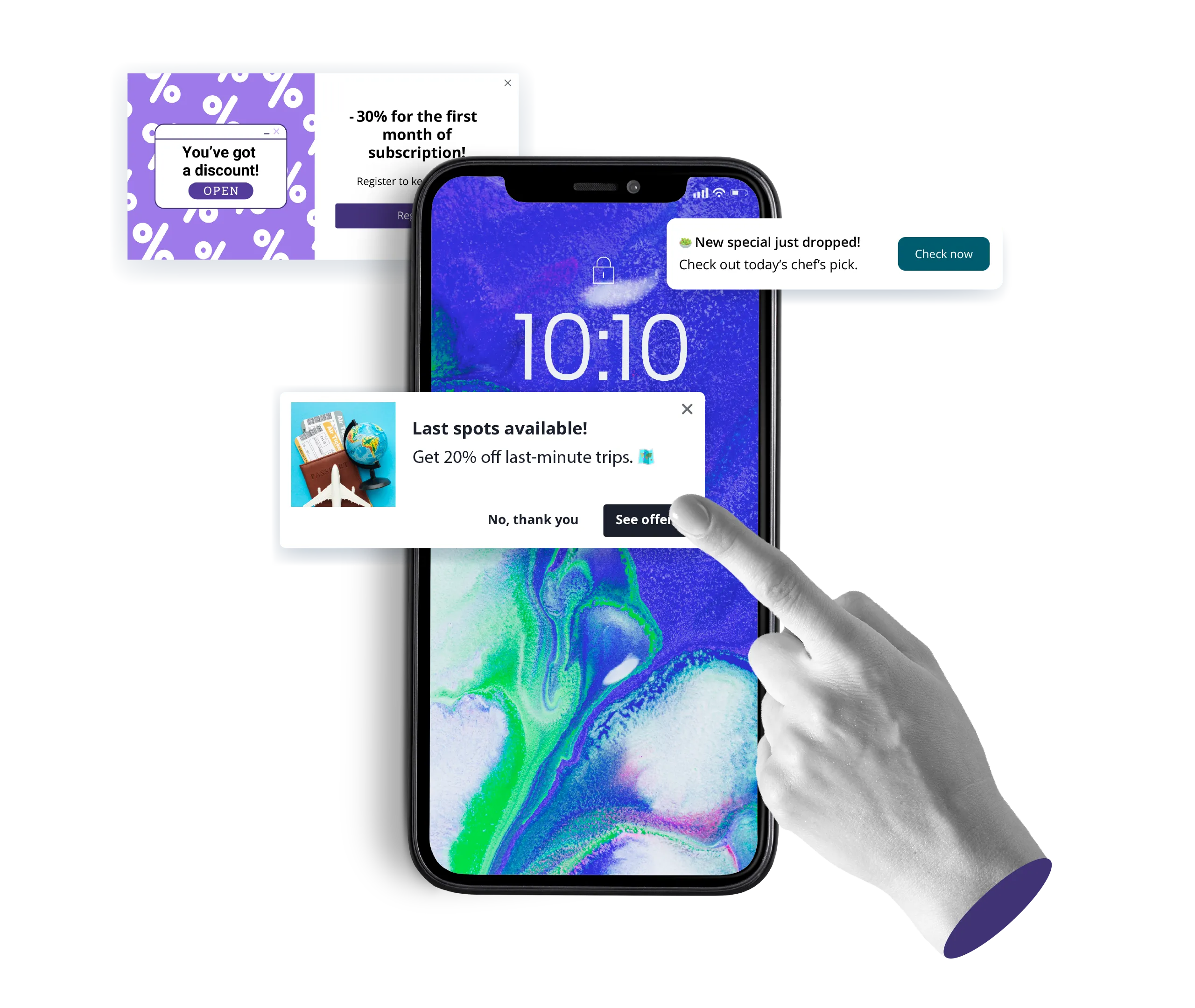
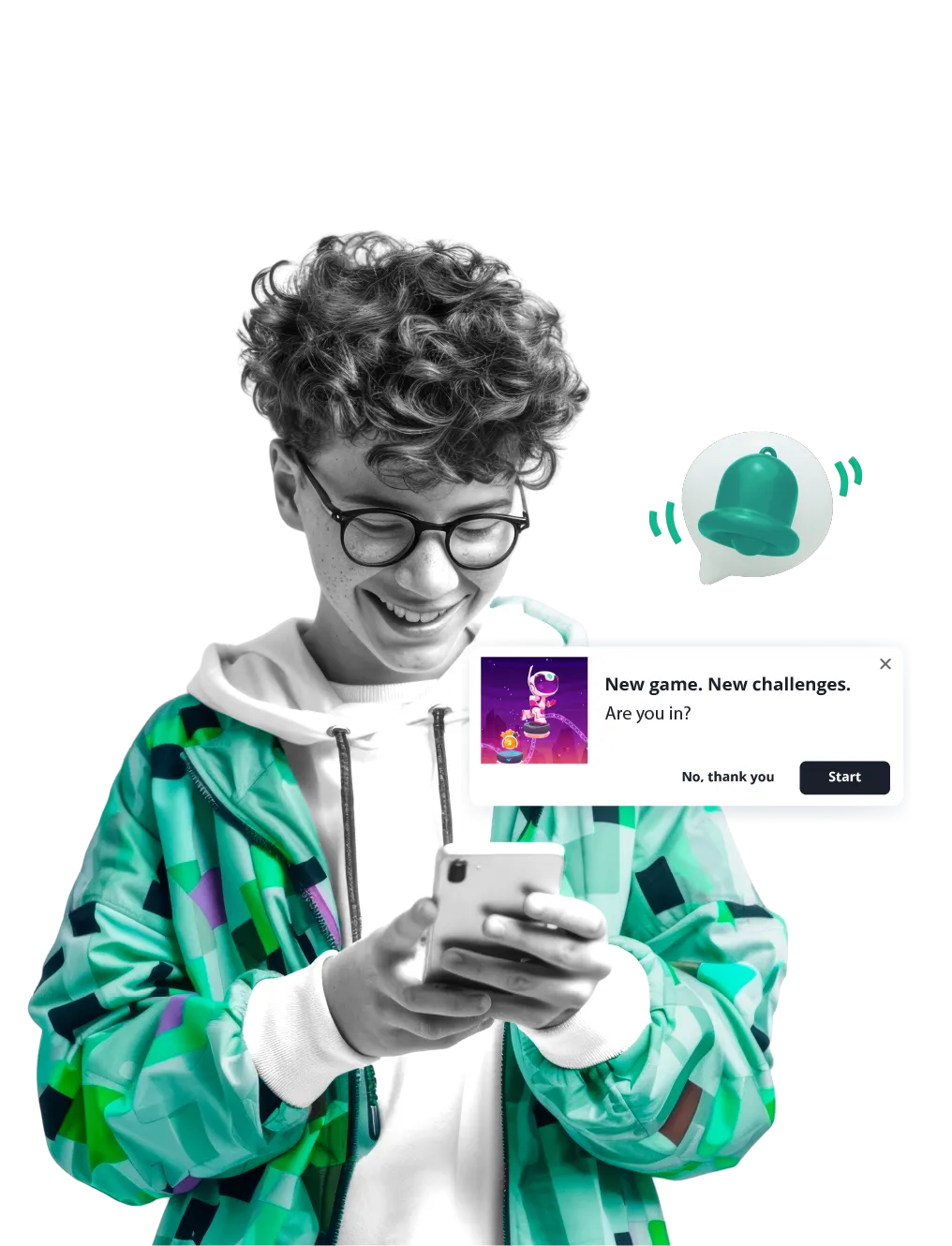
In-app notifications let you communicate with your users during their most active moments, creating a seamless journey from first launch to final checkout.
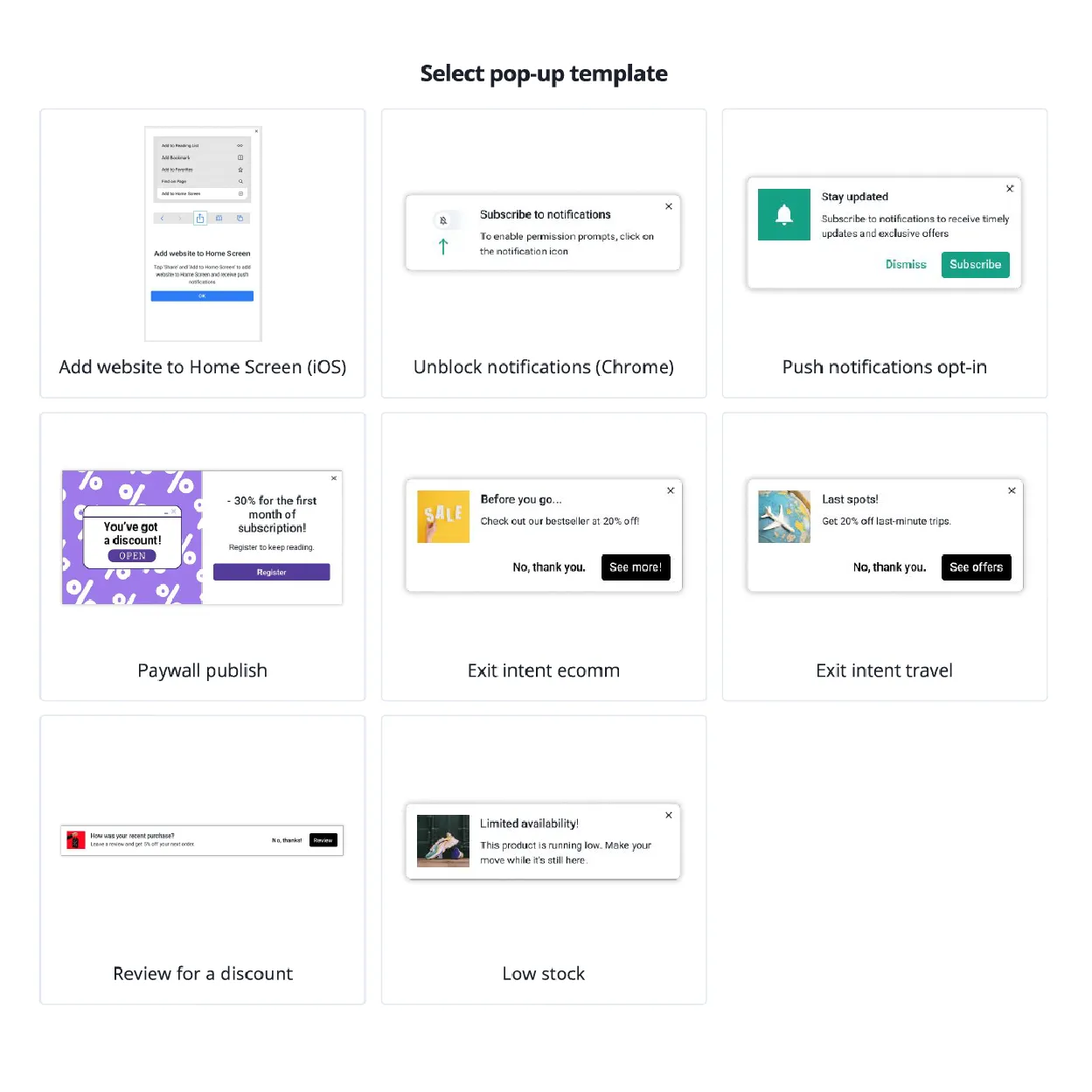
Highlight offers
beforeinterest fades
Guide users toward
thefollowing action
Remove hesitation at
thepoint of decision
Turn browsing
into buying

Intelligence under
the hood

Powerful in-app messaging optimized for Android,
iOS, and Flutter.

We provide the logic; you provide the vision.
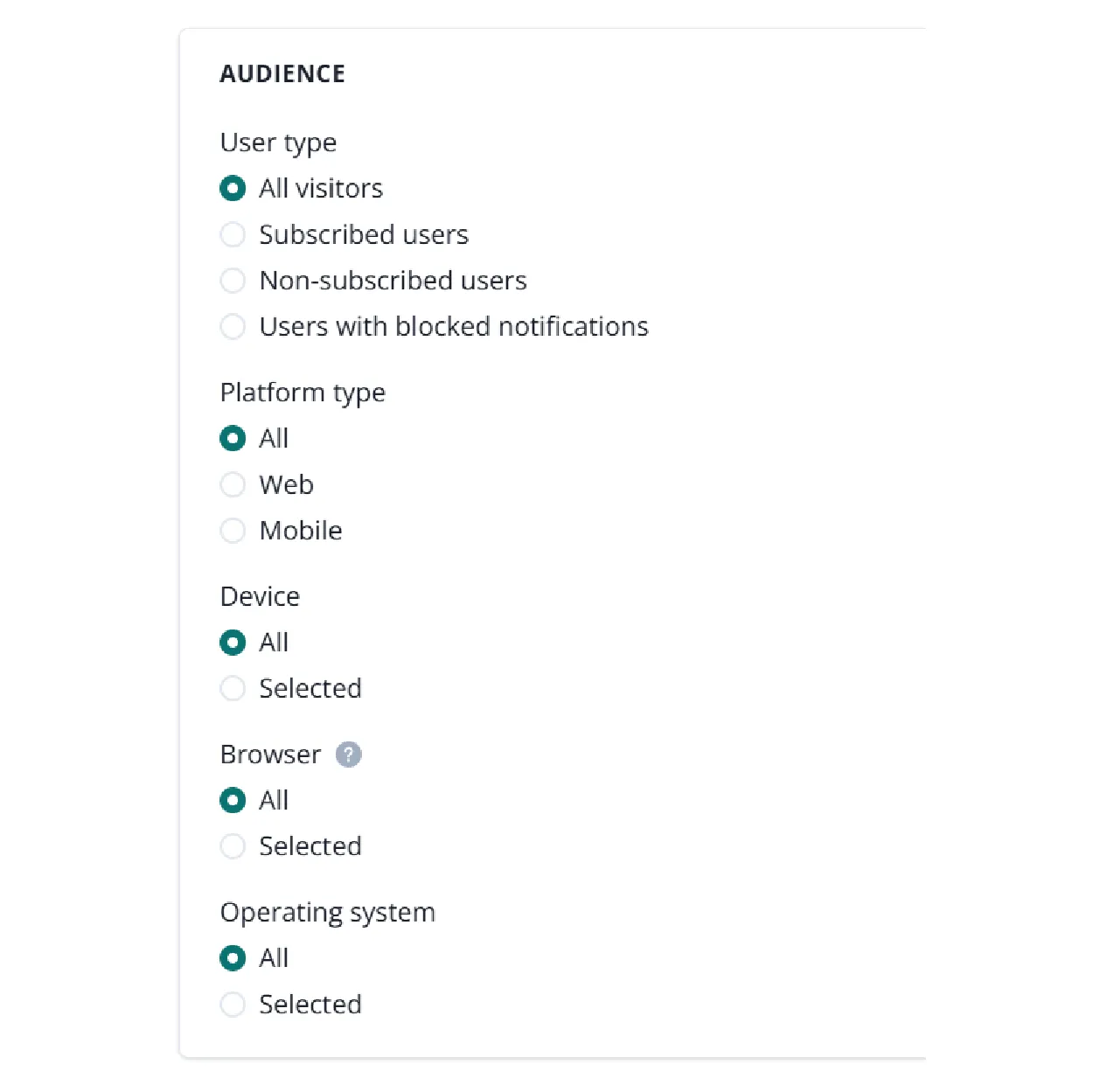
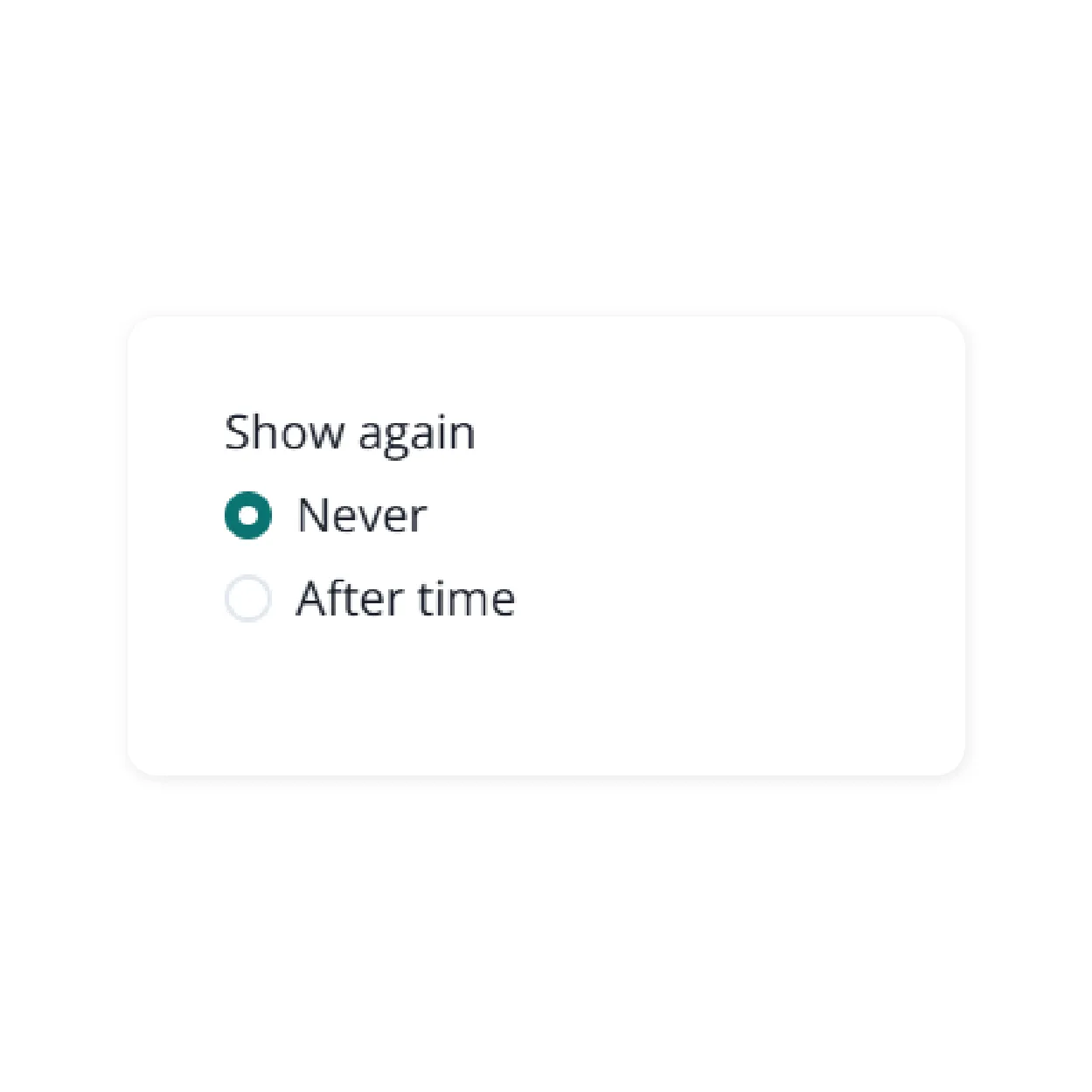
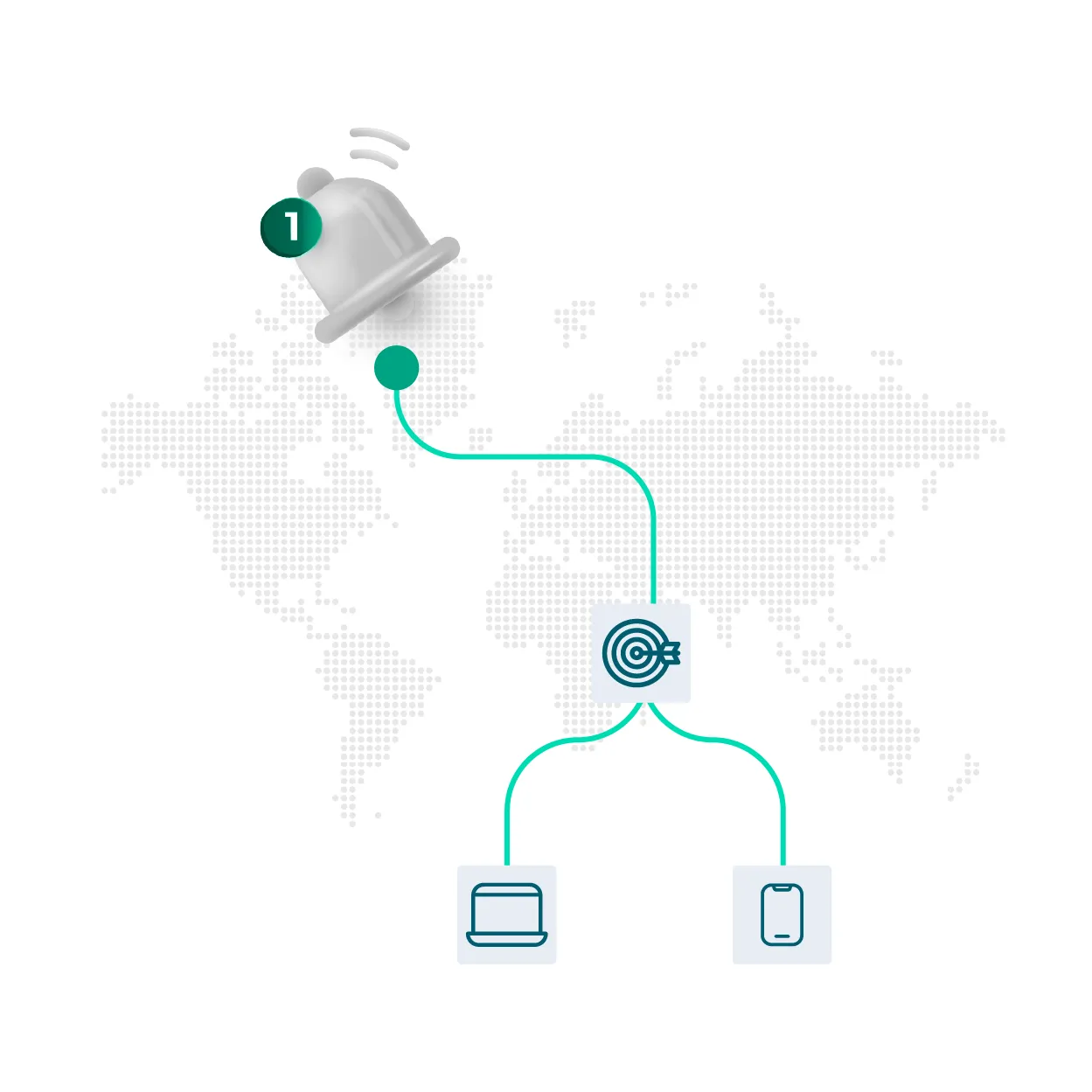
Control the "Who, When, and How" with ease.
Upcoming webinars

Introduction to PushPushGo: live product demo

Thu 21 May 2026
English

See PushPushGo in action! Join our upcoming demo sessions to explore our platform live. Discover how to engage your audience, boost conversions, and maximize revenue with web push, onsite notifications, and more.

Strategic engagement
for every goal

Master onboarding

Guide new users through your app's value proposition to prevent churn after day one.

Reduce friction

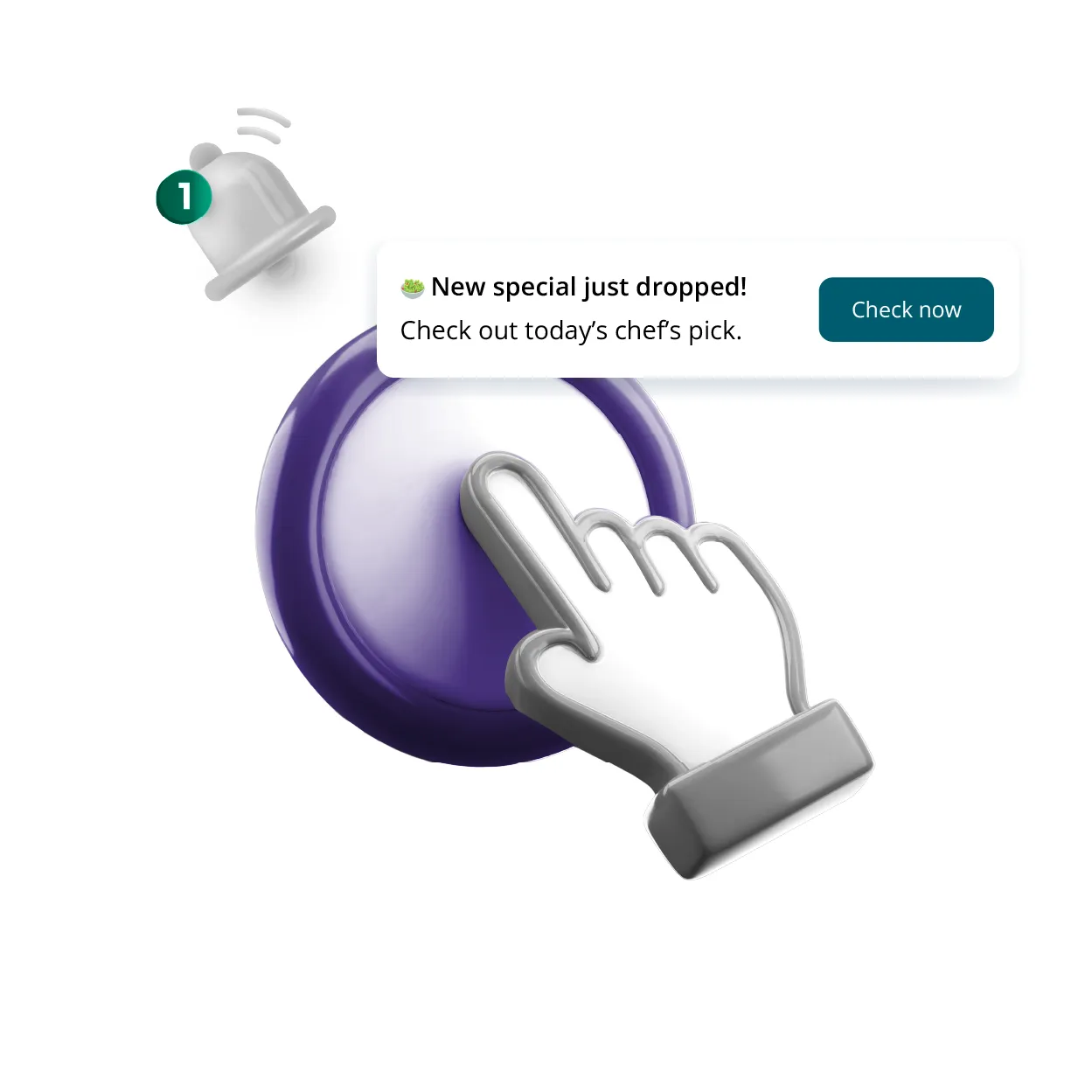
Catch users before they abandon their carts with a timely offer for free shipping or a helpful "Need help?" nudge.

Drive immediate revenue

Use "App-Only" discount codes, flash sale alerts, and stock counters to turn browsers into buyers.

Bridge your channels

Turn your app into a growth engine for your other lists. Prompt active users to sign up for your newsletter or enable push notifications so you can reach them even after they close the app.

FAQ

Which platforms are supported?
PushPushGo in-app notifications support Android, iOS, and Flutter applications.
How are in-app notifications triggered?
Messages can be triggered when a user opens the app or when a custom in-app event occurs (for example: viewing a product, spending a specific amount of time on a screen, or reaching a step in a funnel).
Do I need to submit a new app version every time I publish an in-app message?
No. Once integrated, you can create, edit, and launch in-app notifications directly from the PushPushGo panel, without submitting a new app version to the App Store or Google Play, every time you publish a new message.
Can I target users who don’t have push notifications enabled?
Yes. In-app notifications are a great way to reach users who haven’t opted in to push notifications yet and encourage them to subscribe.
Can in-app notifications be used together with push notifications?
Yes. In-app notifications complement push notifications by engaging users while they are already active in the app, creating a stronger multi-channel communication strategy.

Start your free trial

Web push | Mobile push | Transactional notifications
Onsite notifications | Pop-up | In-app | WhatsApp channels
Start a 14-day trial!