Enrich customer experience with smart onsite notifications

Don’t miss a user - reach all website visitors with behavior-based, adblock-resistant onsite messaging.
Header image

How does it work?

Engage every page viewer - no subscription required.
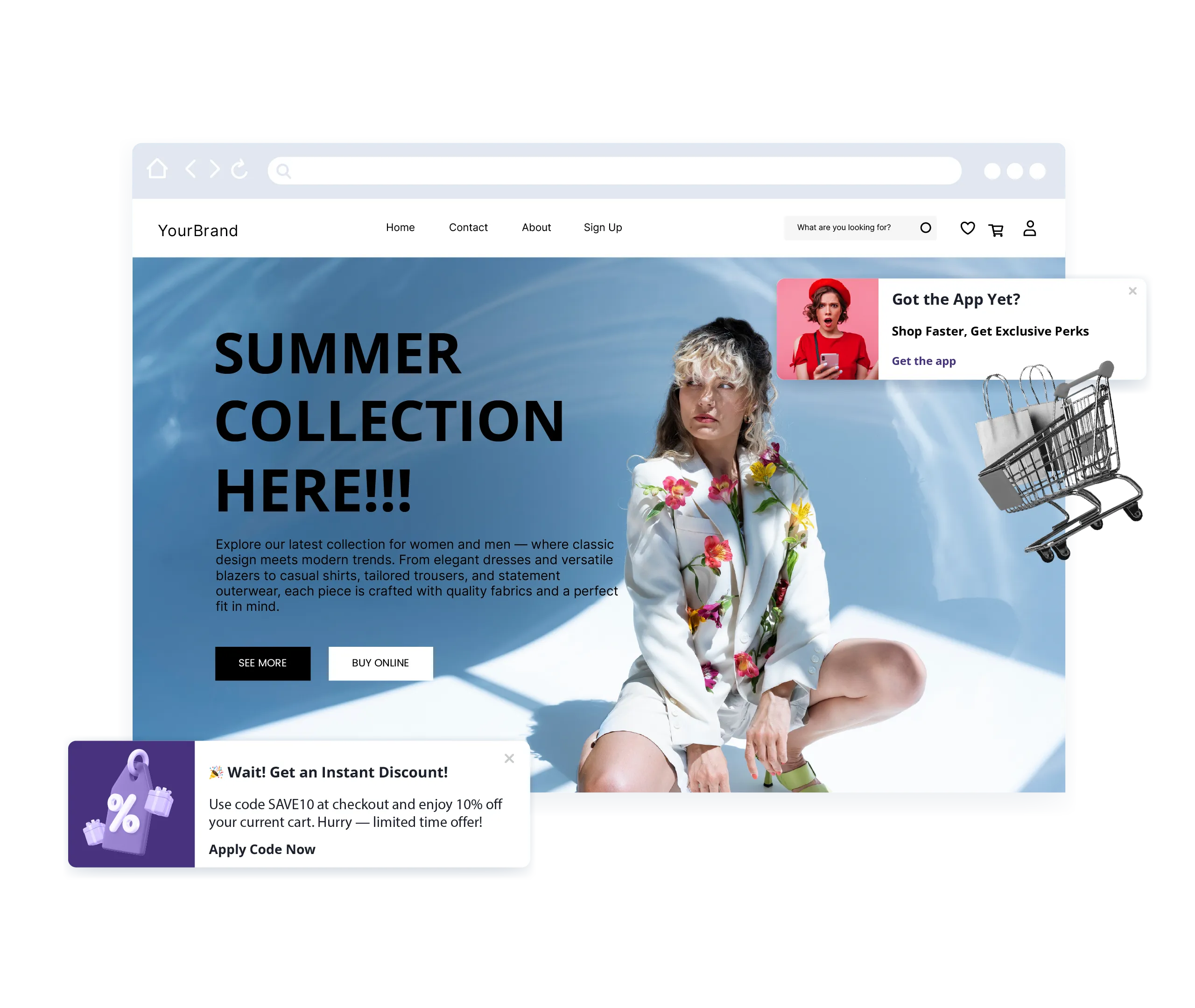
Onsite notifications appear directly on the website. Their placement, timing, and targeting are up to you.

Upcoming webinars

Introduction to PushPushGo: live product demo

Thu 21 May 2026
English

See PushPushGo in action! Join our upcoming demo sessions to explore our platform live. Discover how to engage your audience, boost conversions, and maximize revenue with web push, onsite notifications, and more.

Key use cases for onsite notifications

Use onsite notifications to:
Display time-sensitive headlines or urgent stories to all site visitors
Advertise cross-sell and upsell options for specific products or categories
Guide readers through all articles on a specific subject or story
Accompany with your users throughout their journey, delivering the right message at the right moment
Guide users through onboarding or product discovery
Dashboard mockup

Build your onsite communication

Create a new communication channel via targeted, non-intrusive messages.
Utilize all the possibilities that onsite notifications bring

Effective communication
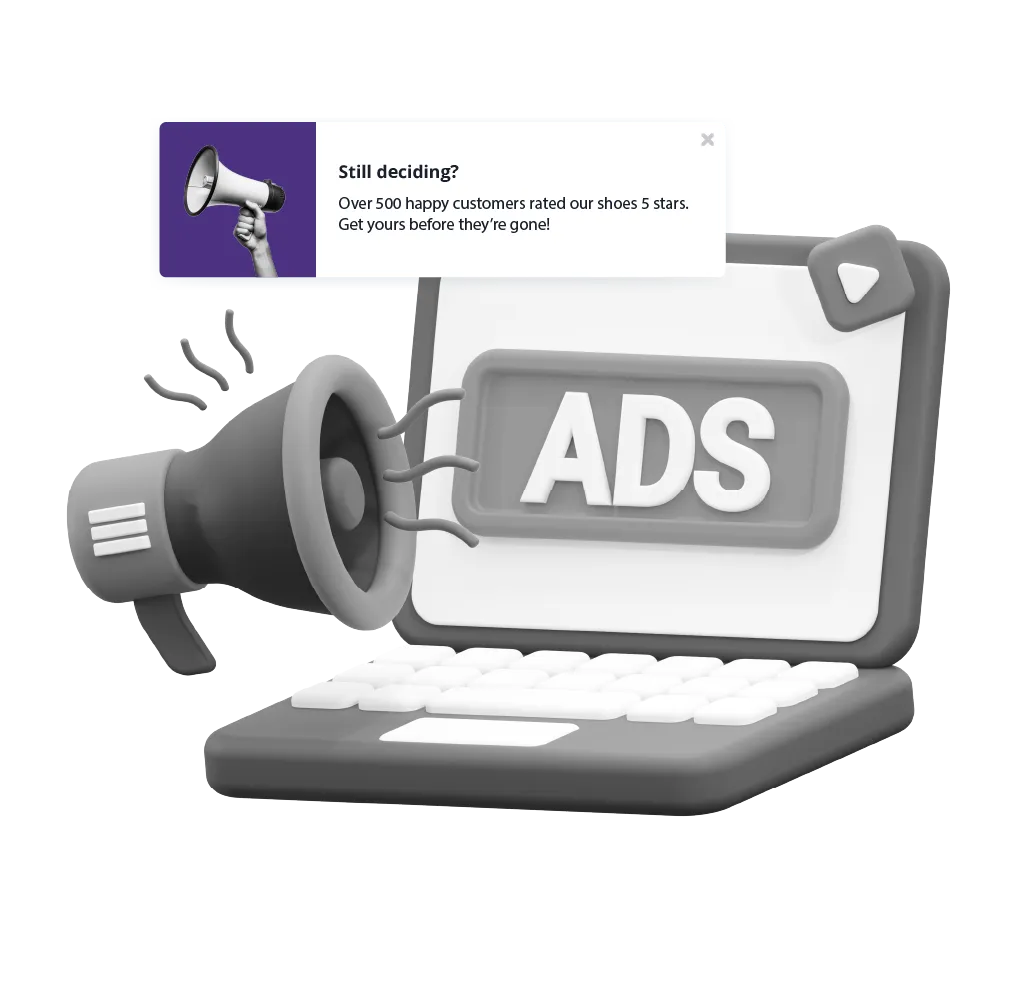
beyond adblockers

Our onsite messages bypass ad blockers, so you can reach every visitor effectively, maximizing engagement without disrupting the user experience.
Dashboard mockup
Dashboard mockup

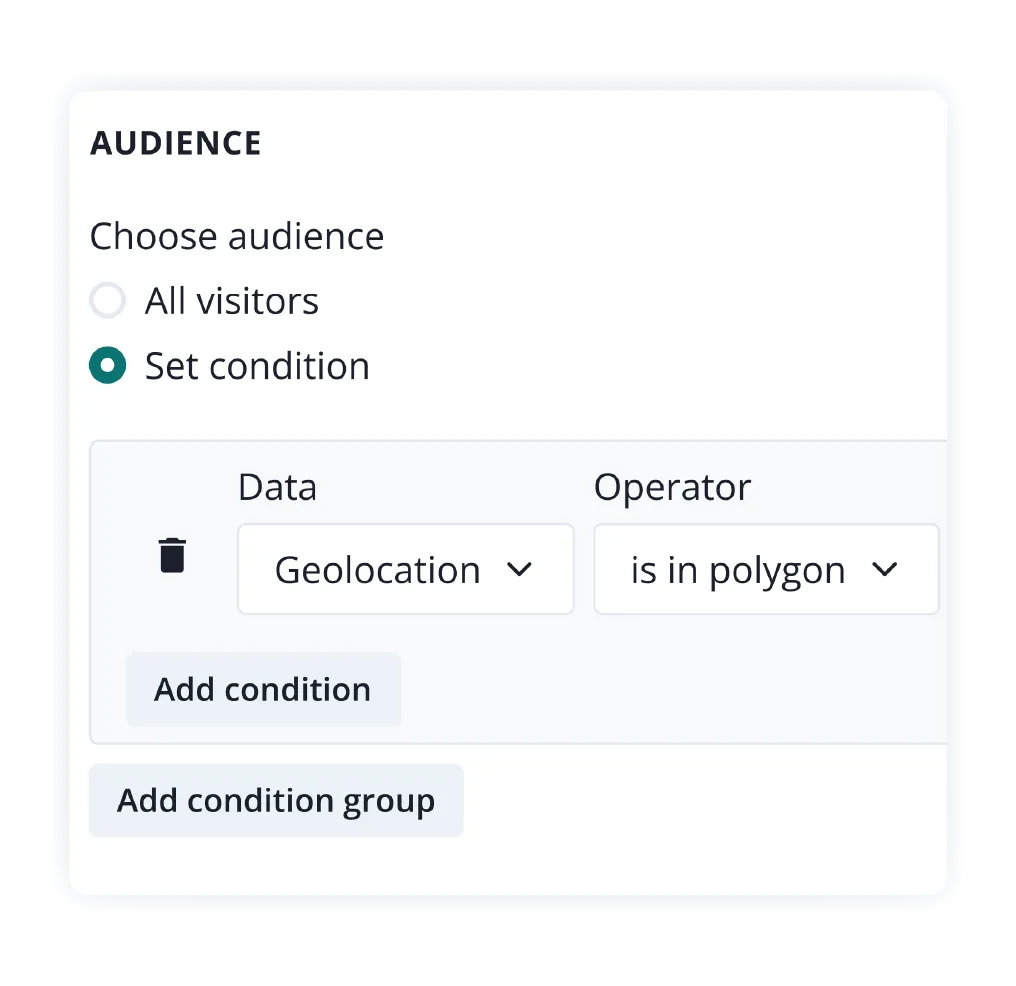
Smart targeting

Show messages based on session data, such as:
Traffic source, current URL, device type or language
Precise session-based selectors (real visitor behavior data)
Session duration, time spent on a page or number of pages visited
Percentage-based sampling (% of website visitors)
Web push subscription status
Capping and priority options
Geolocation targeting
Faster targeting with segments

Flexible display options

Decide where and how your notifications are shown:
Display in corners: bottom right/left or top right/left
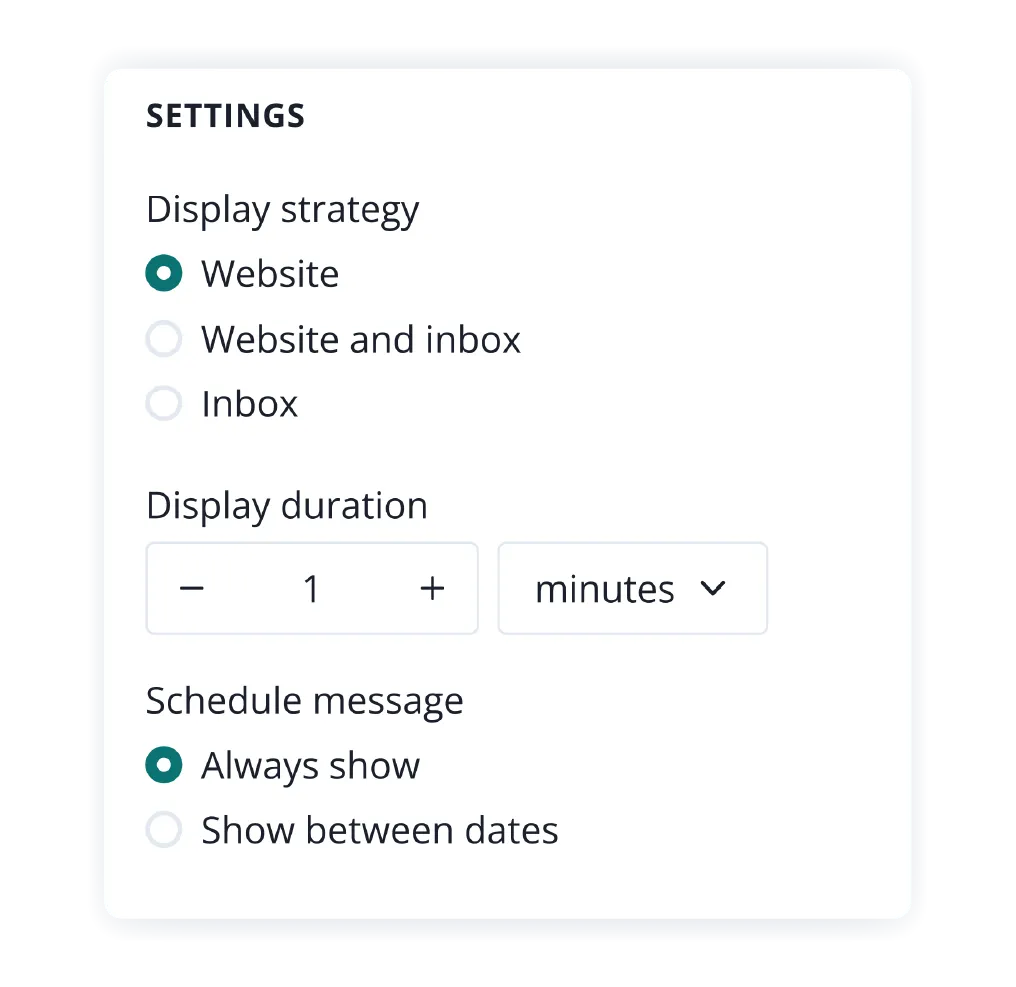
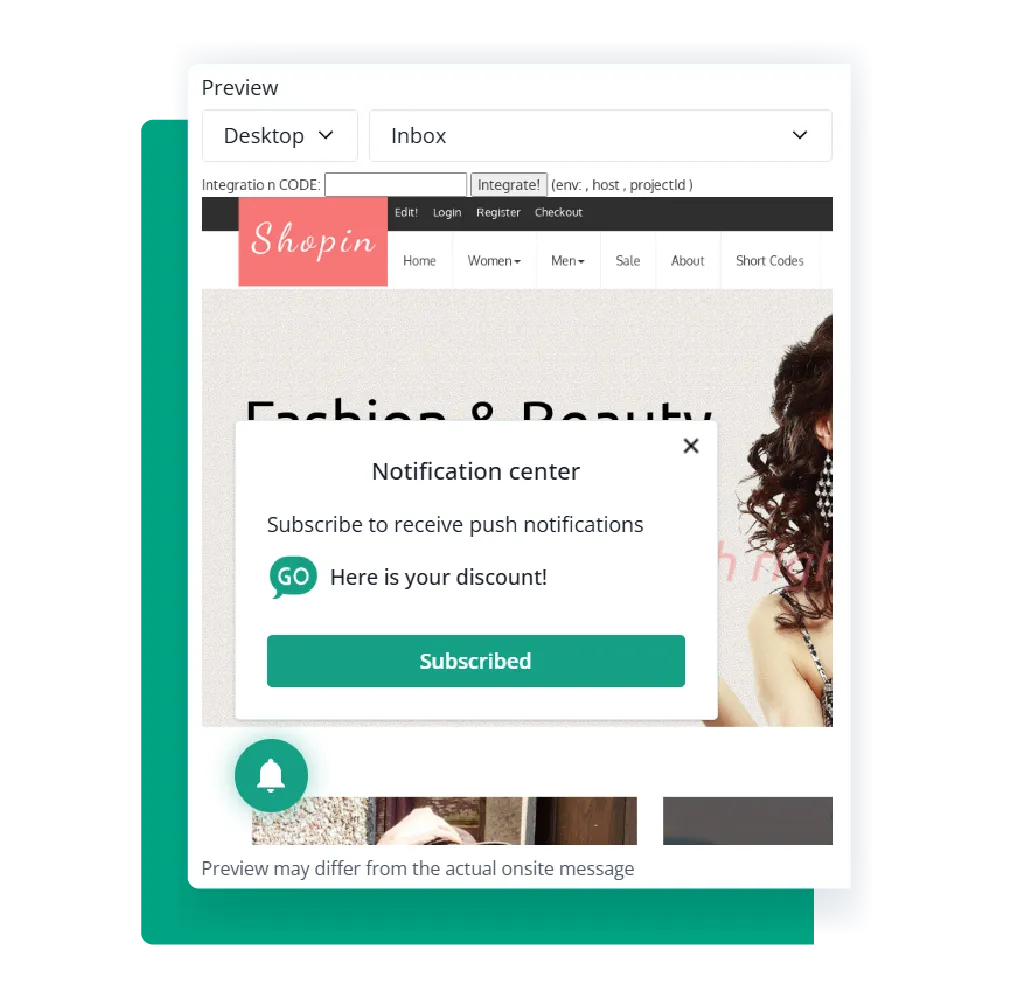
Choose whether the notification appears only on the website, only in the Inbox, or in both
Set the display duration so onsite notifications stay visible long enough to capture attention. Optionally, add a timer to show users how long the notification will remain on screen.
Test different delay times to make sure your notifications appear at the right moment
Fully responsive on both desktop and mobile
Dashboard mockup
Dashboard mockup

Easy design customization

Customize your onsite notifications to match your brand and campaign goals. You can:
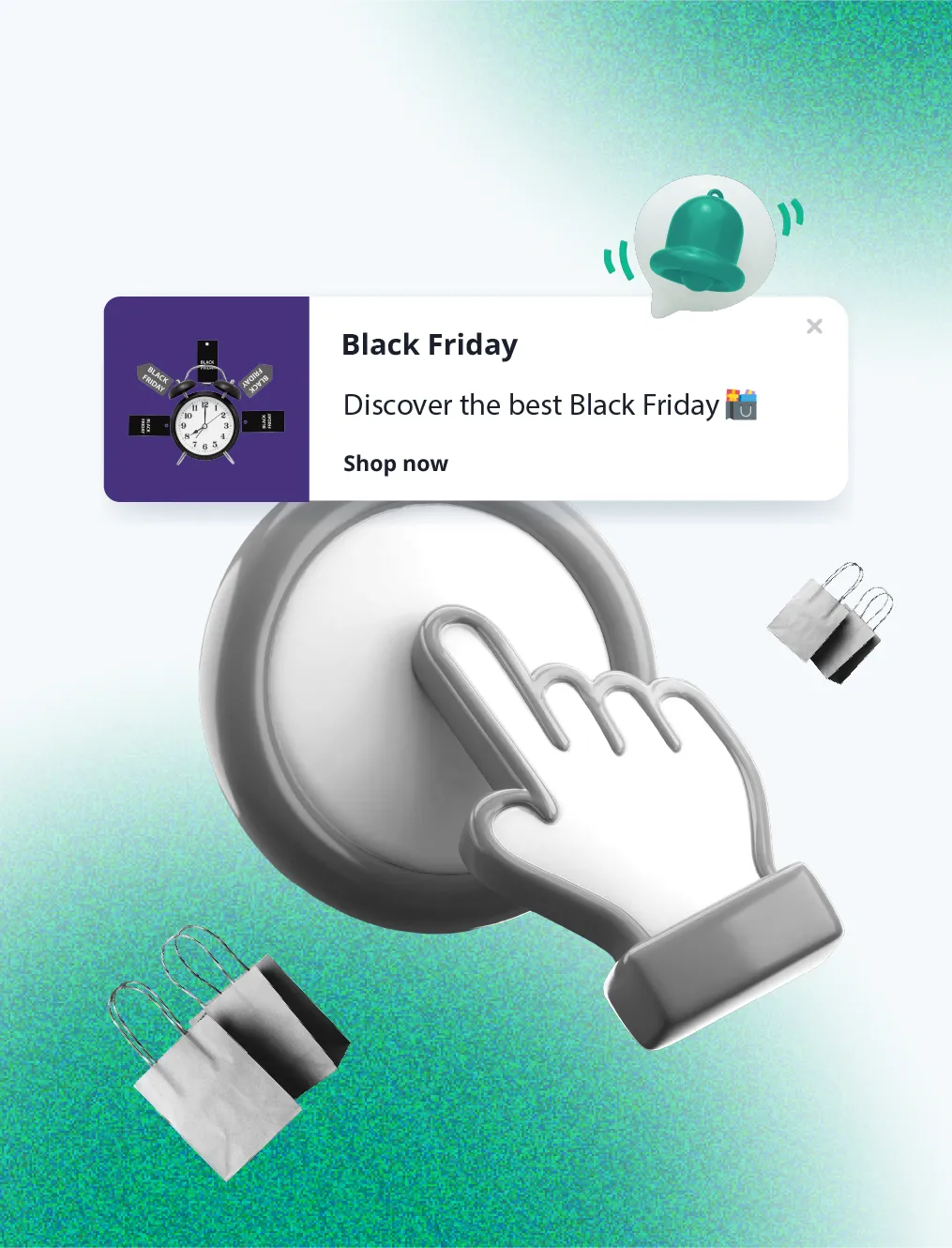
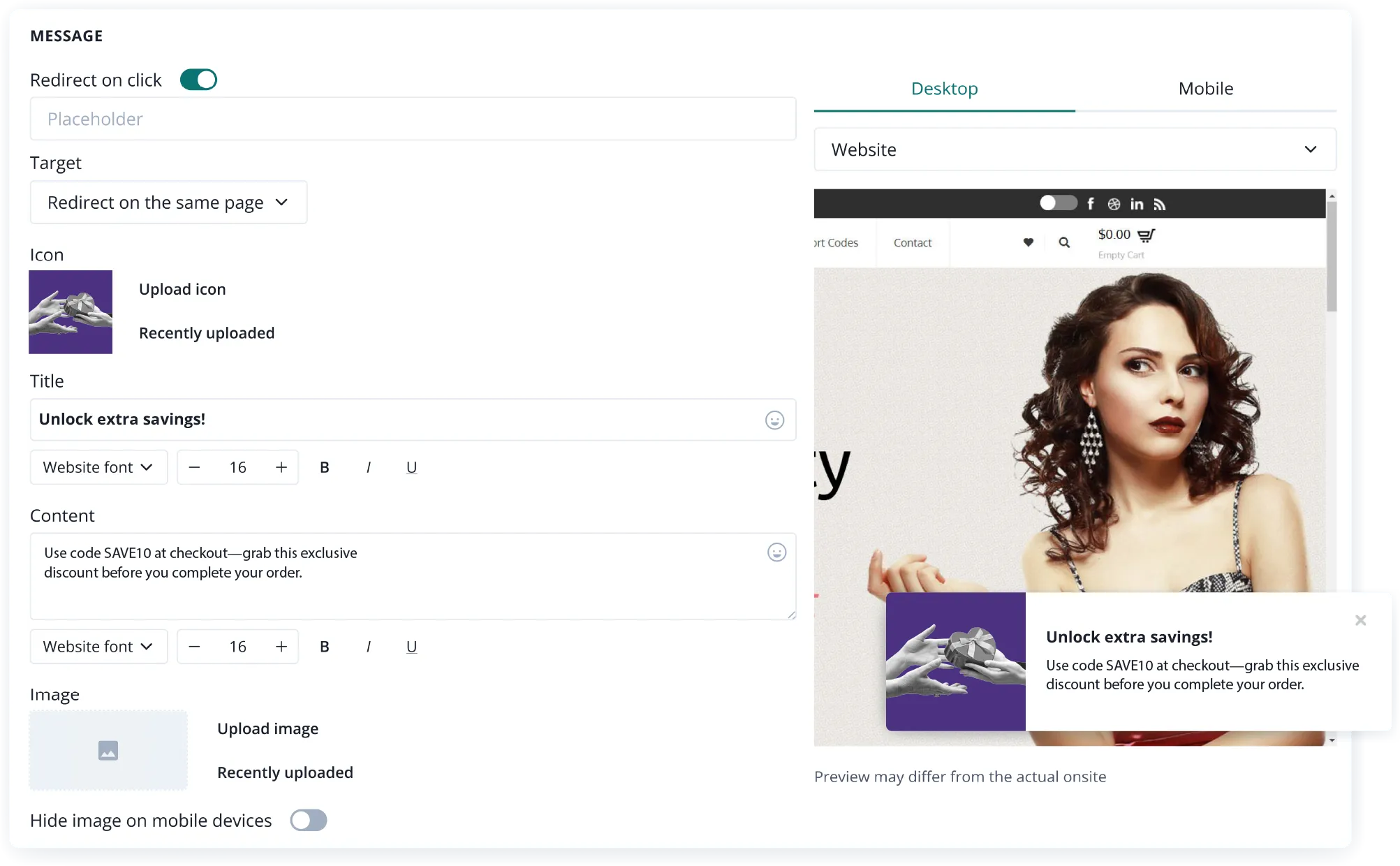
Choose an icon, add a large image, or create simple notifications that resemble system notifications
Add animations to draw attention to key messages
Add a clear title and a short description
Include up to two action buttons to drive engagement
You can preview it on both desktop and mobile before publishing. Easily save drafts to continue editing later.
Onsite notifications can include clickable elements. Depending on your needs, you can:
Add a link to redirect users to a specific URL
(e.g., a product page, blog article, or promotion)
Run JavaScript code, such as automatically
addinga product to the cart

Performance insights at a glance

Track how your onsite notifications perform with key engagement metrics:
Viewed - See how many users saw your notification
Clicked - Measure interest and action taken
Closed - Understand user behavior by tracking dismissals
Ignored - Keep track of notifications closing automatically when not clicked
Capped - See how the capping feature limits the visibility of onsites
CTR - Manage your click-through rates
Use Analytics ranking to quickly identify top-performing messages and optimize your future campaigns and messaging for better results.
Dashboard mockup
Dashboard mockup

Activate the Inbox widget

Whether you’re using both web push and onsite notifications or just onsite, you can enable the Inbox widget to extend the visibility of your messages.No extra setup required – just turn it on and start keeping important updates accessible.
Onsite notifications are a powerful, non-intrusive way to drive engagement and guide visitors through your desired journey - no subscription required.Ready to boost your onsite engagement?

FAQ

Do onsite notifications require cookie consent?
Onsite notifications do not require cookie consent, as they do not rely on cookies to be displayed.

They are shown based on session data available during the user’s visit (e.g., referrer, URL, session duration), which does not involve storing or accessing information on the user's device - the key factor in requiring cookie consent under GDPR.

However, if you plan to use additional tracking (e.g., advanced analytics, remarketing, or connecting to user profiles), then cookie consent may be needed depending on your setup.
Can I customize the look of onsite notifications?
Yes, you can customize certain elements of onsite notifications to match your brand and goals. You can adjust:
  • Icons - upload your logo or use system defaults
  • Images - add large visuals for greater impact
  • Animations and timer – add animations and display a timer showing how long the notification will remain visible (in the form of a progress bar)
  • Visual elements – remove any elements you don't need
  • Titles and descriptions - tailor your messaging
  • Fonts – choose fonts that reflect your brand style, and use bold, italic, or underlined text to highlight key messages.
  • Buttons - add up to two CTA buttons with custom text and links
  • Placement - choose where the notification appears (e.g. bottom right, top center, etc.)
  • Styles – CSS customization is also available for full control over the look and feel of your notifications
Who can see onsite notifications?
Depending on your settings and goals, onsite notifications can be shown to:
  • All website visitors.
  • Website visitors who meet specified conditions.
How do onsite notifications differ from web push notifications?
Both onsite and push notifications are powerful communication tools, but they serve different purposes and function in distinct ways. Here's how they compare:
Feature
Onsite Notifications
Push Notifications
Visibility
Visible only while the user is actively browsing your website.
Appear even when the user is not on your website.
Opt-in Requirement
No opt-in required — shown to 100% of website visitors.
Require user opt-in through the browser.
Targeting Options
Based on session behavior (URL visited, time on site, referrer, language, device type, etc.).
Based on subscriber data (segmentation by interest, location, behavior, etc.).
Design Customization
Fully customizable layout: icons, images, copy, and buttons.
Limited by browser design (title, message, image, icon, action buttons).
Use Cases
Promote current offers, upsell, guide navigation, or show personalized messages.
Send breaking news, abandoned cart reminders, price drops, promotions, or return-visit nudges.
Delivery Timing
Triggered in real time based on live visitor behavior.
Scheduled or triggered — delivered even when the user is offline (will appear once they’re online).
Reach
Reaches all visitors during their session.
Reaches only those who previously opted in.
Use onsite notifications to engage all visitors in real time.
Use push notifications to maintain communication after they leave.
💡 Best results come from combining both: engage on-site and re-engage off-site!
What is the difference between onsite and pop-up notifications?
Onsite notifications are subtle message boxes that appear within your website’s layout, typically in a corner or a dedicated notification center - Inbox. While they offer limited design customization, they blend naturally into the user experience, making them ideal for ongoing updates, product news, or personalized tips triggered by user behavior during a session. Pop-up notifications, on the other hand, offer full design flexibility - you can customize their size, layout, colors, and visuals. They’re perfect for capturing attention and driving conversions, such as collecting newsletter signups or promoting special offers.
What if I want to use only onsite notifications?
That’s possible. You can implement only onsite notifications without enabling web push. If your goal is to engage all website visitors in real time - without requiring opt-ins - onsite notifications alone will work perfectly.
Is onsite messaging adblock-resistant?
Yes. Our behavior-based onsite messaging works even when users have ad blockers enabled, ensuring you reach all website visitors effectively.

Start your free trial

Web push | Mobile push | Transactional notifications
Onsite notifications | Pop-up | In-app | WhatsApp channels
Start a 14-day trial!