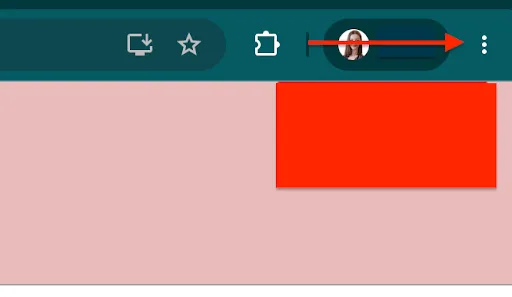
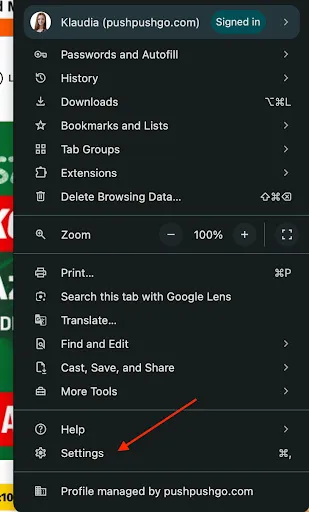
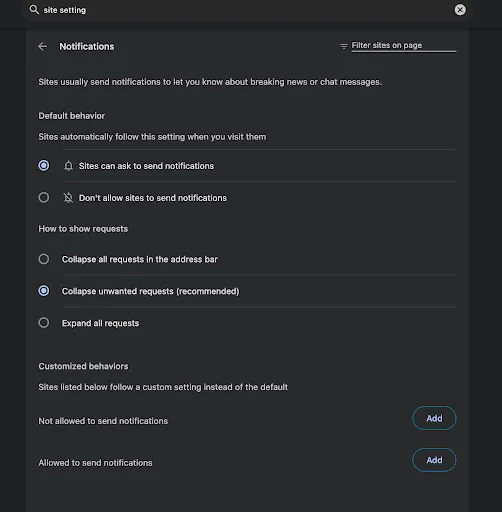
Notifications from a specific website may be blocked in your browser settings. You can easily unblock them and allow the website to send notifications again.
Open your browser and go to the website for which you want to enable notifications.
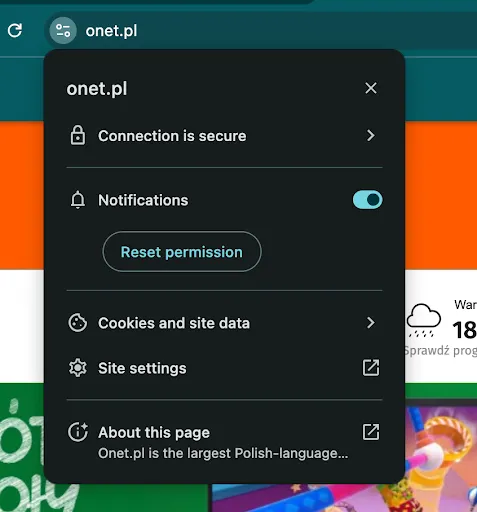
Click the settings or information icon next to the website address. Then find the Notifications permission.
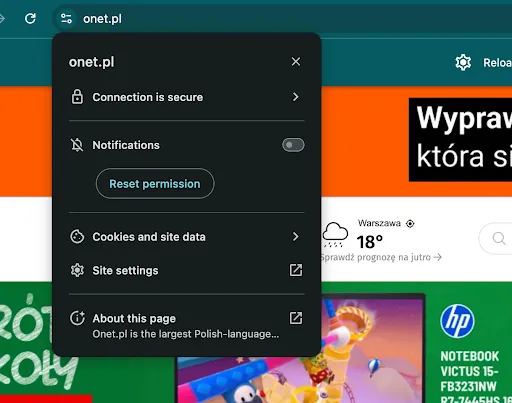
For Notifications, select Allow. Depending on the browser, you may need to refresh the page for the change to take effect.
Refresh the website and check whether notifications are working correctly. If you still do not receive them, also check your browser's general notification settings and your operating system's notification settings.