Centralize communication with your audience using Inbox

Give your messages a second life, and never let a notification go unnoticed again.
Header image

How does it work?

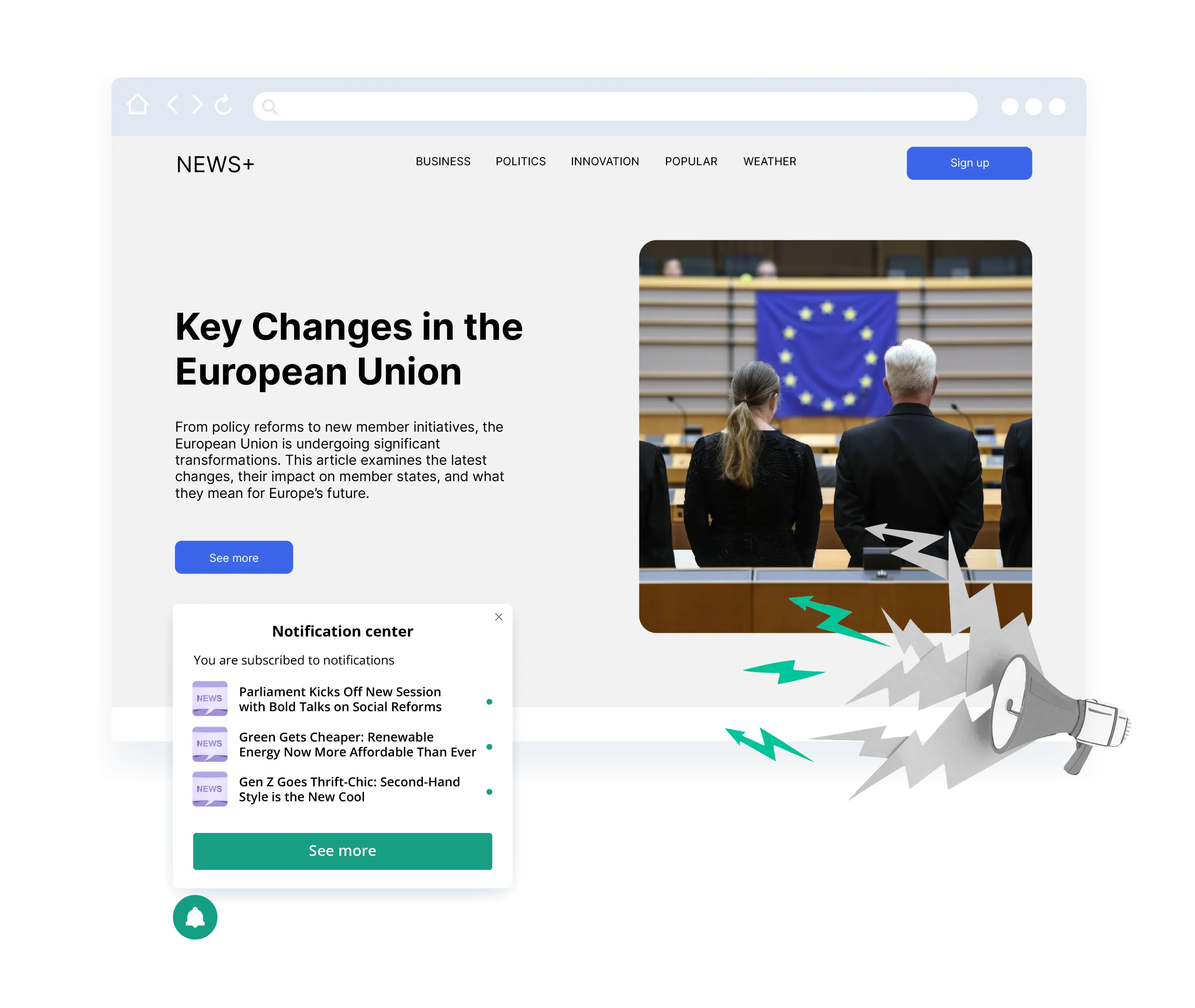
Inbox can be enabled as an extension of the bell widget.
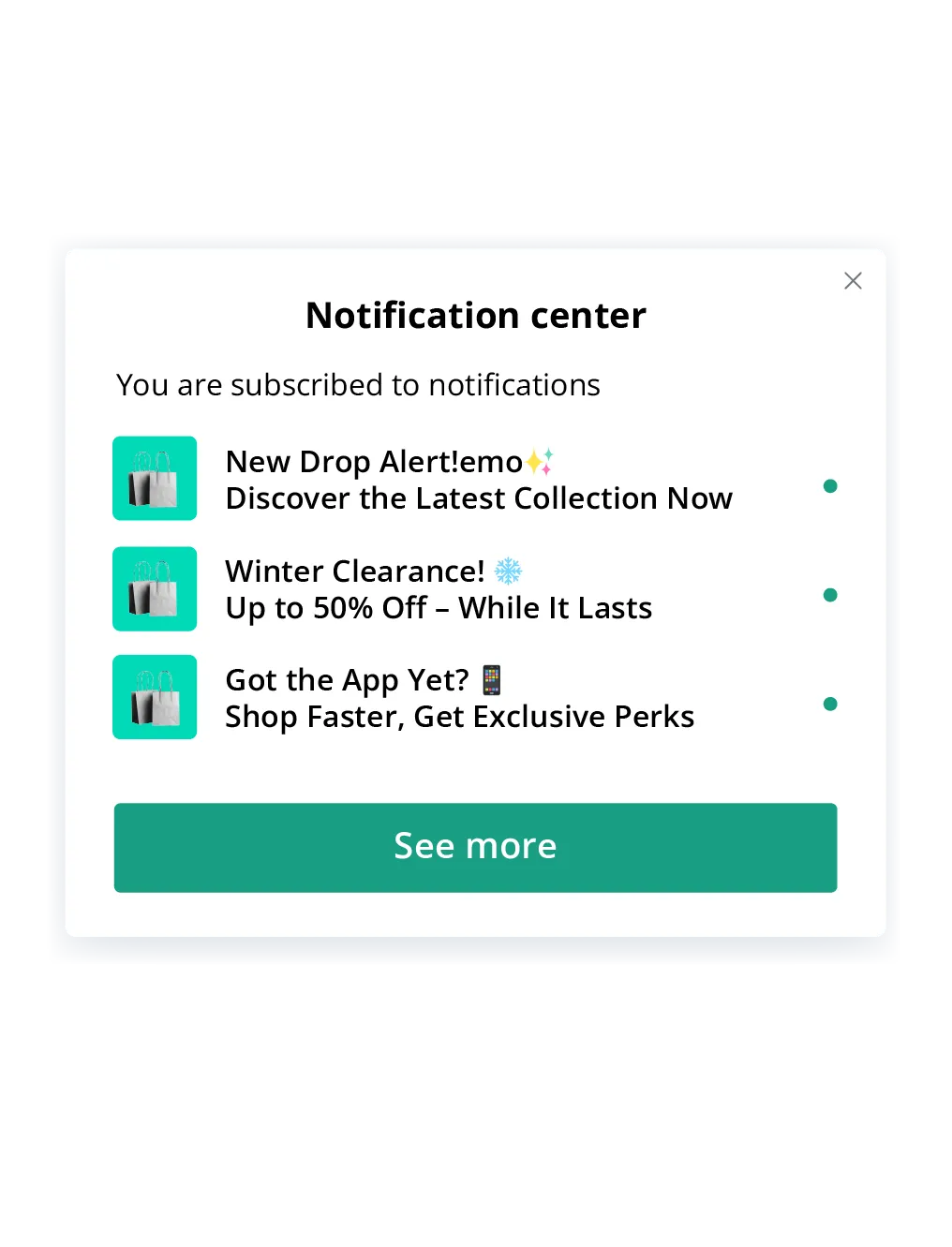
It allows you to showcase recent web push and onsite notifications directly in the Inbox on your website.
When users return, they can simply click the bell widget to catch up on messages they may have missed.
Set up once, and keep your messages working for you every time a subscriber visits your site.
Dashboard mockup

Turn missed messages into opportunities

Extend the visibility of your push campaigns and onsite notifications beyond the moment of delivery.
Increase engagement by making important messages easily accessible.
Improve user experience by giving them time to return to promotions or content when it’s convenient.
Allow subscribers to shape their experience, giving them the option to remove unwanted messages.

Flexible setup, lasting impact

Full control - choose which messages should be displayed in the Inbox, how long they stay visible, or turn it off completely.

Contact PushPushGo team to activate the Inbox feature for your project and set it up.
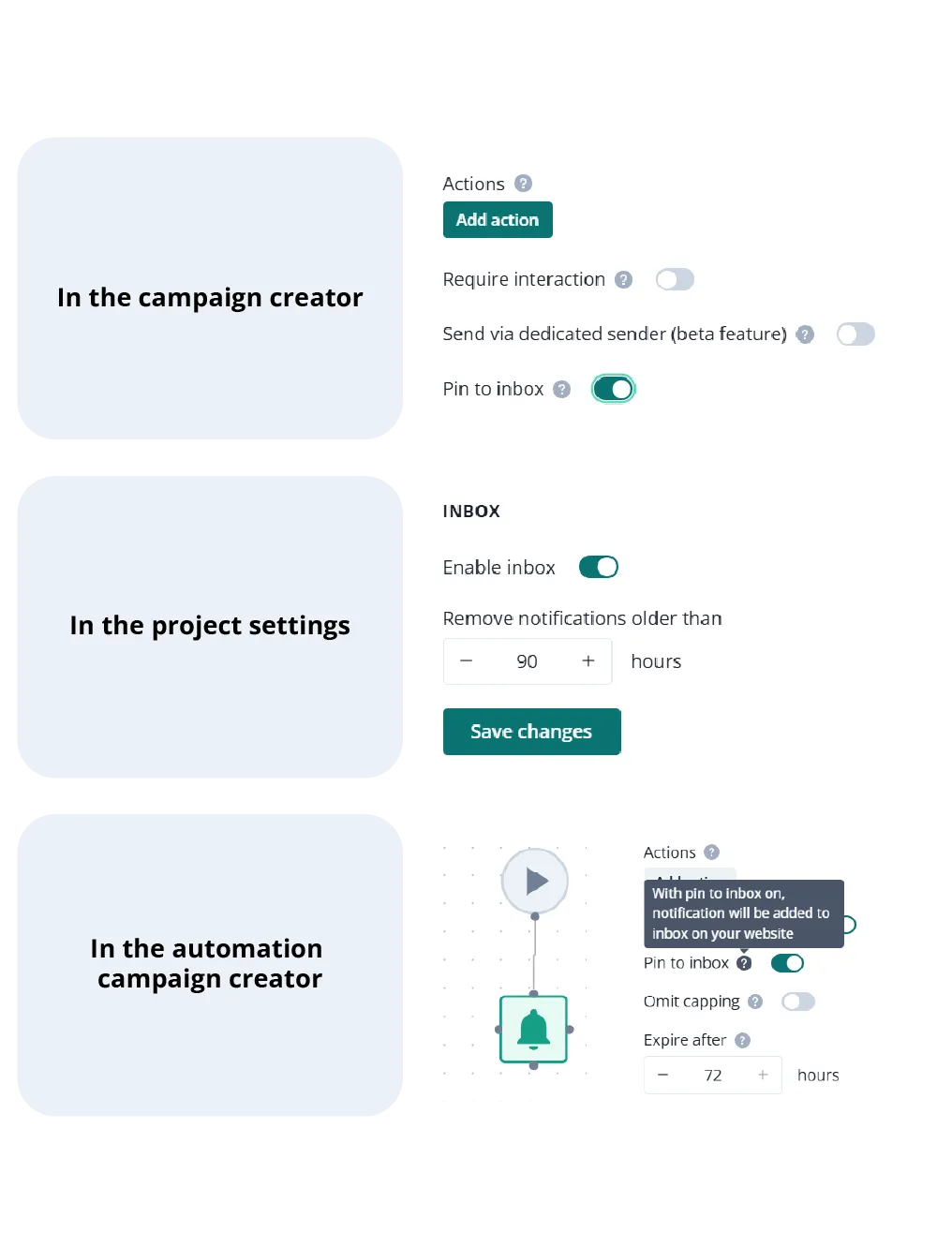
Set message visibility in:
  • the campaign creator
  • the project settings
  • automation campaign creator
Dashboard mockup

How different industries can benefit from the Inbox

Travel and hospitality

Don’t let key information get lost - from booking confirmations and itinerary changes to exclusive offers and upselling opportunities.

News & Media

Maximize the visibility of your most important content. Breaking news, live blogs, and editor’s picks remain accessible even after the initial push, increasing content engagement and time spent on site.

E-commerce

Boost conversion rates by ensuring that limited-time promotions, price drops, and restock alerts stay visible to your subscribers when they revisit your site. Perfect for driving impulse purchases and reducing cart abandonment.

Finance and insurance

Keep users informed about new product offers, policy updates, or important deadlines. Even if they miss a push campaign, Inbox makes it easy for them to revisit essential messages, supporting user trust and timely action.

Telecom

Ensure important messages like billing reminders, service disruptions, or upgrade offers don’t go unnoticed. With the Inbox, your users can easily access key updates anytime they visit your site, leading to a better customer experience.

FAQ

Who can use the Inbox?
Any client that has either web push or onsite notifications, or both. Contact PushPushGo team to begin the implementation.
Is there a limit to how many messages can be stored in the Inbox?
There is no limit, but you can decide if you want to delete notifications that are older than x hours, so the time-relevant messages do not sit in the Inbox forever.
Can I customize the Inbox appearance?
Yes, the Inbox is located in the bell widget, so you can make changes there. There is an option for custom CSS. You can edit and manage the appearance of the bell widget where the Inbox is located. Change the color, icon, location on the site or add your own CSS.
Can users receive both web push notifications and onsite messages in the Inbox?
Yes, they can.
What happens if a user doesn't check their Inbox for a long time?
Notifications are going to be kept there if you do not set a lifetime for them - a timeframe after which they are removed automatically. You can do that in the Inbox settings.

Start your free trial

Web push | Mobile push | Transactional notifications
Onsite notifications | Pop-up | In-app | WhatsApp channels
Start a 14-day trial!