-azmedug0au.webp)
Onsite notifications and pop-ups are both highly effective ways to promote special offers and discounts to online shoppers in real-time. See how they can operate in tandem for a better user experience.
Increase conversion rates by delivering relevant promotions to visitors as they’re browsing the site through a case-specific targeted tool.
Users coming from other referral sites (i.e., they click on an ad on social media platforms) often have a lower purchase intent than visitors from direct or organic traffic. They may be browsing out of curiosity rather than intending to buy. A well-timed, relevant incentive can help convert this cold traffic into paying customers.
Target audience:
Visitors landing on the website are tagged with a specific referral source. You can easily extend this to different channels, like Facebook, TikTok, or even specific influencers (e.g., "Welcome! Enjoy 10% off as a friend of [Influencer name]").
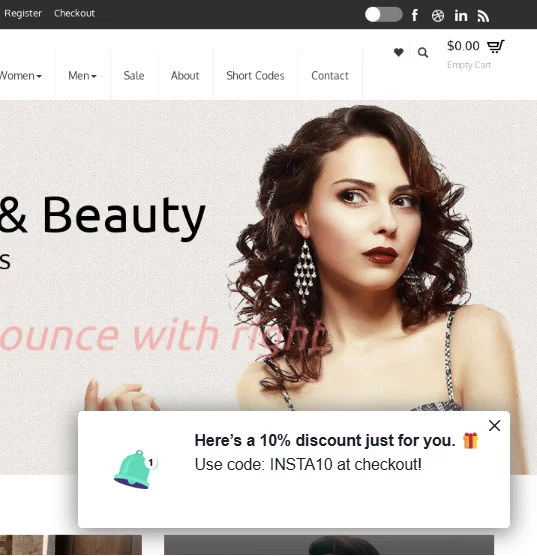
Offer a tailored incentive to a shopper browsing a particular category (like shoes, jackets, or a product line). A visible pop-up or an onsite notification showcasing a deal related to what the user is currently viewing increases the chance of immediate engagement and purchase.
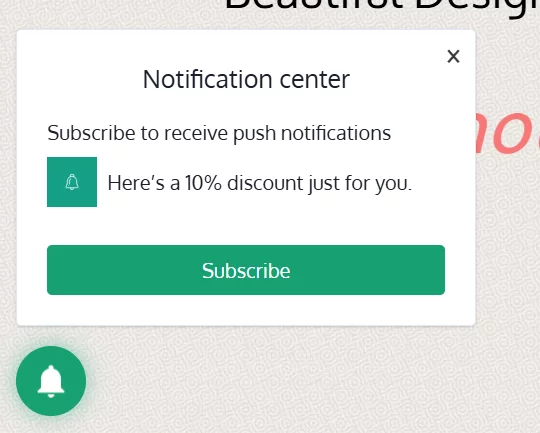
Depending on your brand’s communication style, you can opt for a discreet onsite notification or a more visible pop-up.
Target audience:
Visitors who are browsing a specific category or product page, e.g., /shoes, /jackets, /electronics, /laptops.
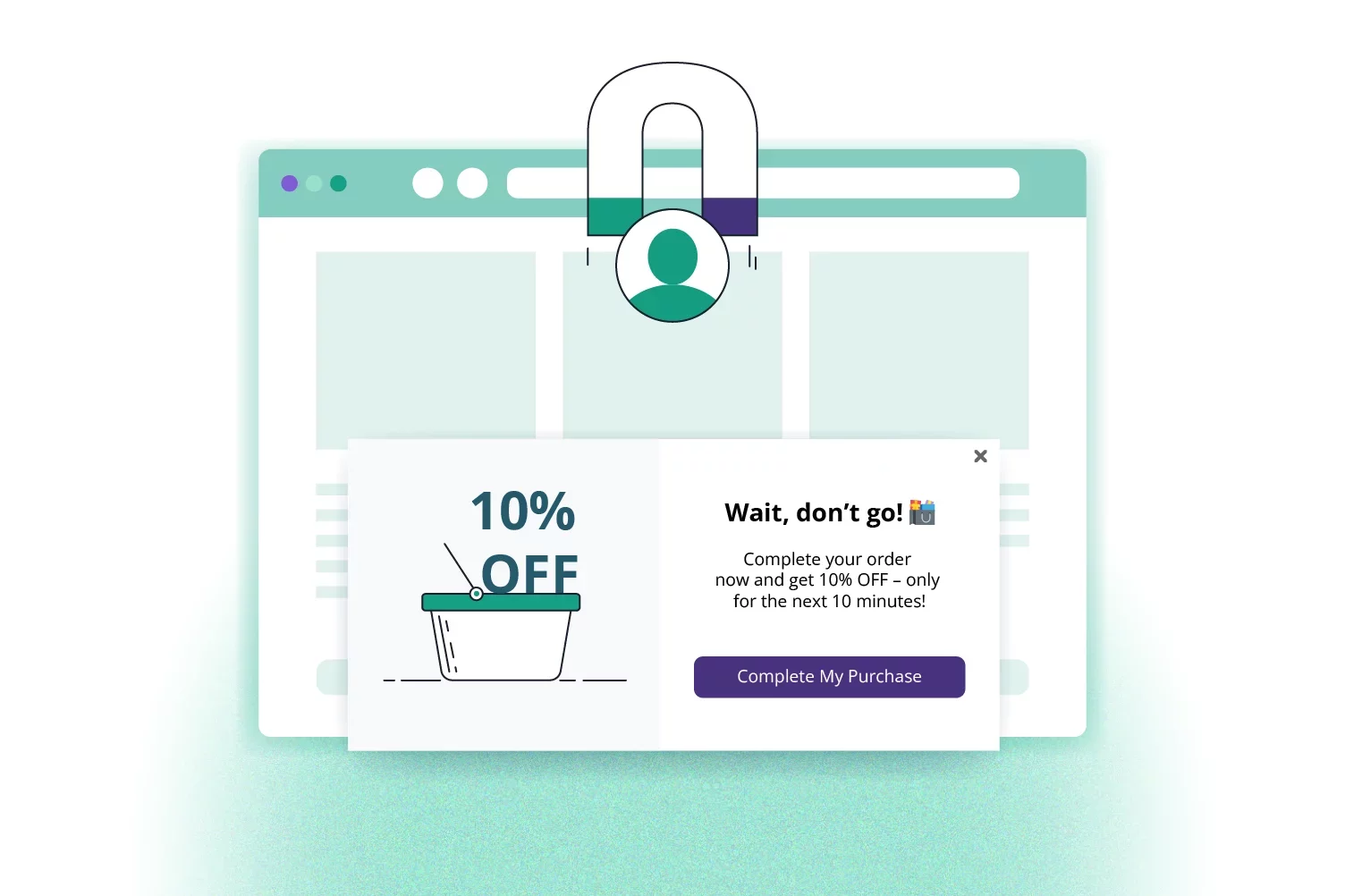
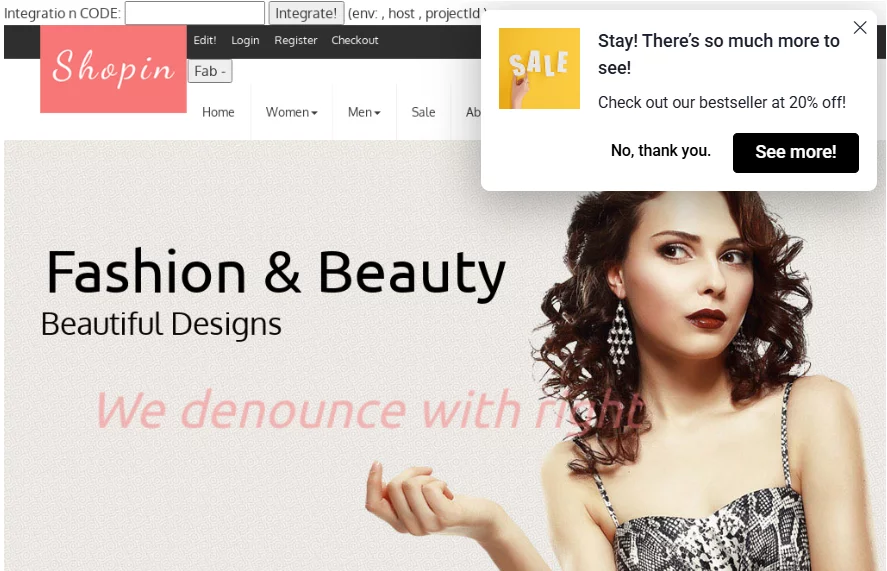
Pop-up targeting in PushPushGo allows you to address users expressing an exit intent. A message is displayed as they move their cursor towards a Close button. Since it’s the last chance to keep a potential client on the website, a good hook is needed.
Target audience:
A visitor who is considering closing the site.
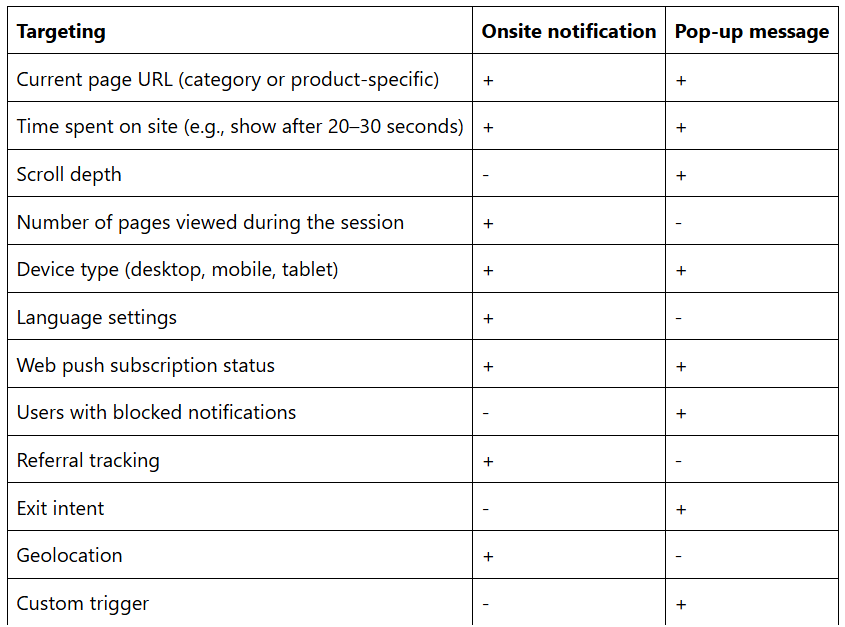
To ensure the best user experience and avoid overwhelming visitors, onsite notifications are displayed only once per user. Additionally, you can fine-tune who sees the message and when with flexible display criteria, including:
You also control how long the notification stays on screen - whether it disappears after a set number of seconds or minutes.
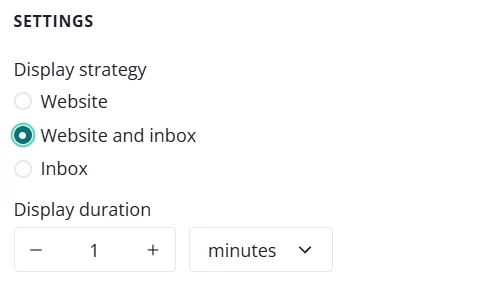
To further enhance their visibility, onsite notifications can be saved in the website’s Inbox. This way, you will allow users to revisit the offers on their own time.