There are two ways to resign from receiving notifications.
Every sign-up for notifications appears in the browser settings. Instructions for disabling notifications vary among different browsers.
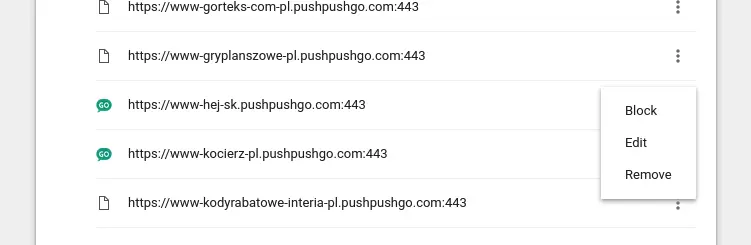
Go to Browser settings > Privacy and security > Site settings > Notifications. The address in the browser will chrome://settings/content/notifications. On the list, you can find all the pages on which you have agreed to receive notifications. If you want to unsubscribe from any of the websites, just choose Remove from the menu.
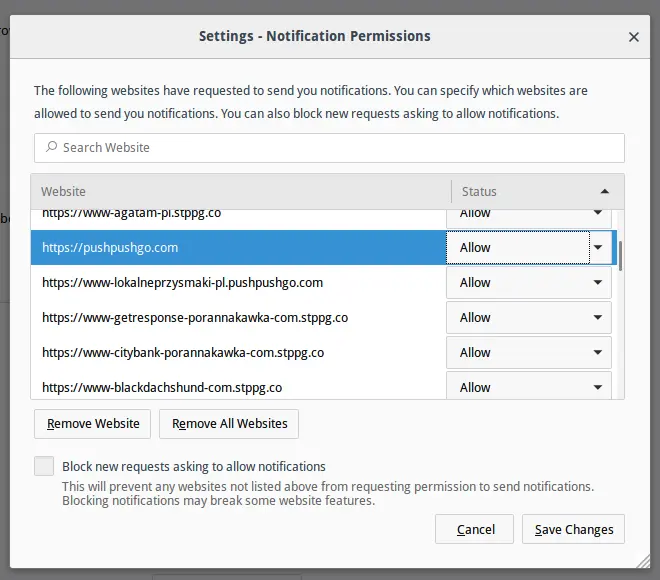
After entering Options> Privacy and Security, search for Permissions>Notifications. On the list, search for the page from which you want to unsubscribe, and choose the Remove Webiste option.
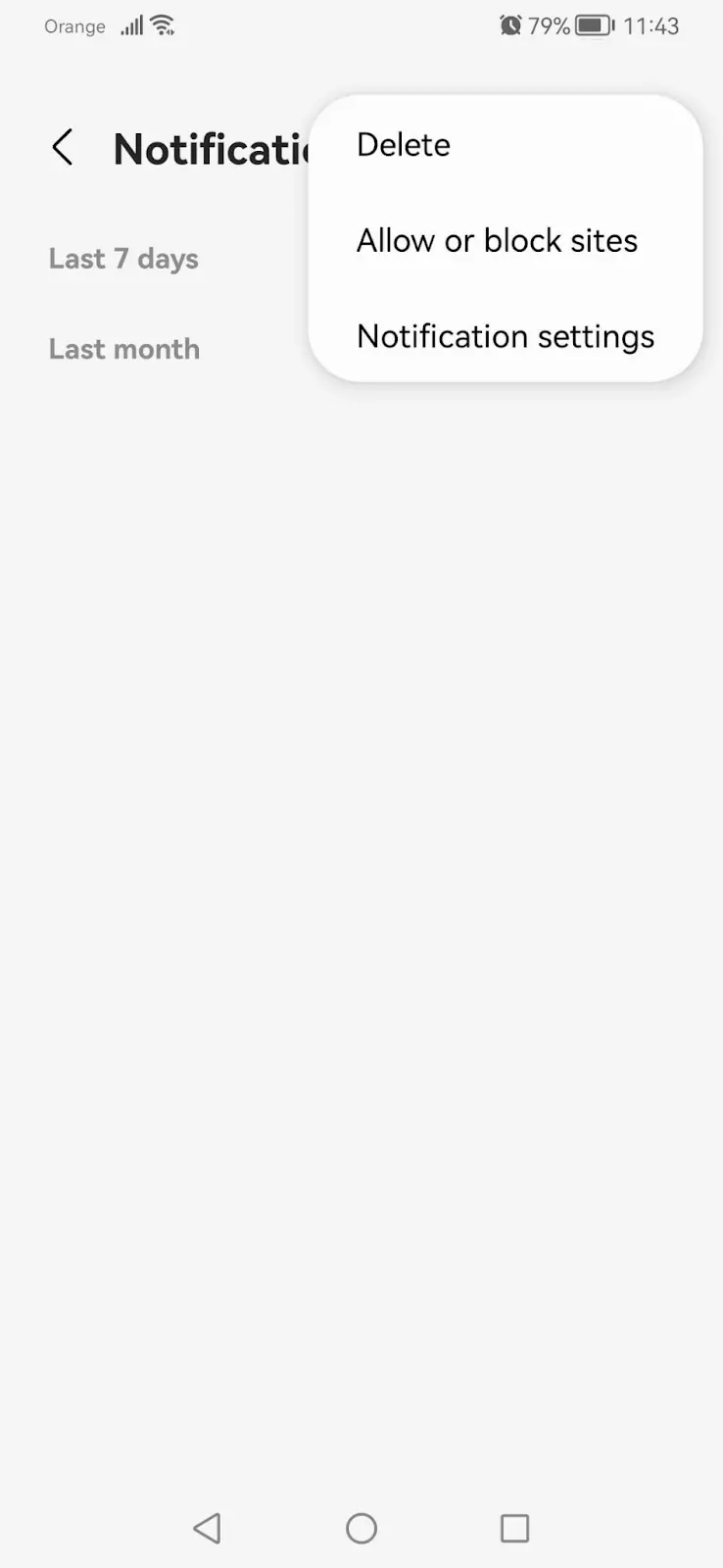
After entering Settings> Sites and downloads, search for the Notifications> Allow or block sites section. Browse the list for the page from which we want to unsubscribe, then use the slider to turn on / off notifications from a given page.
PushPushGo provides a bell widget that allows you to subscribe to and unsubscribe from notifications at any time. You can find more about the widget here.